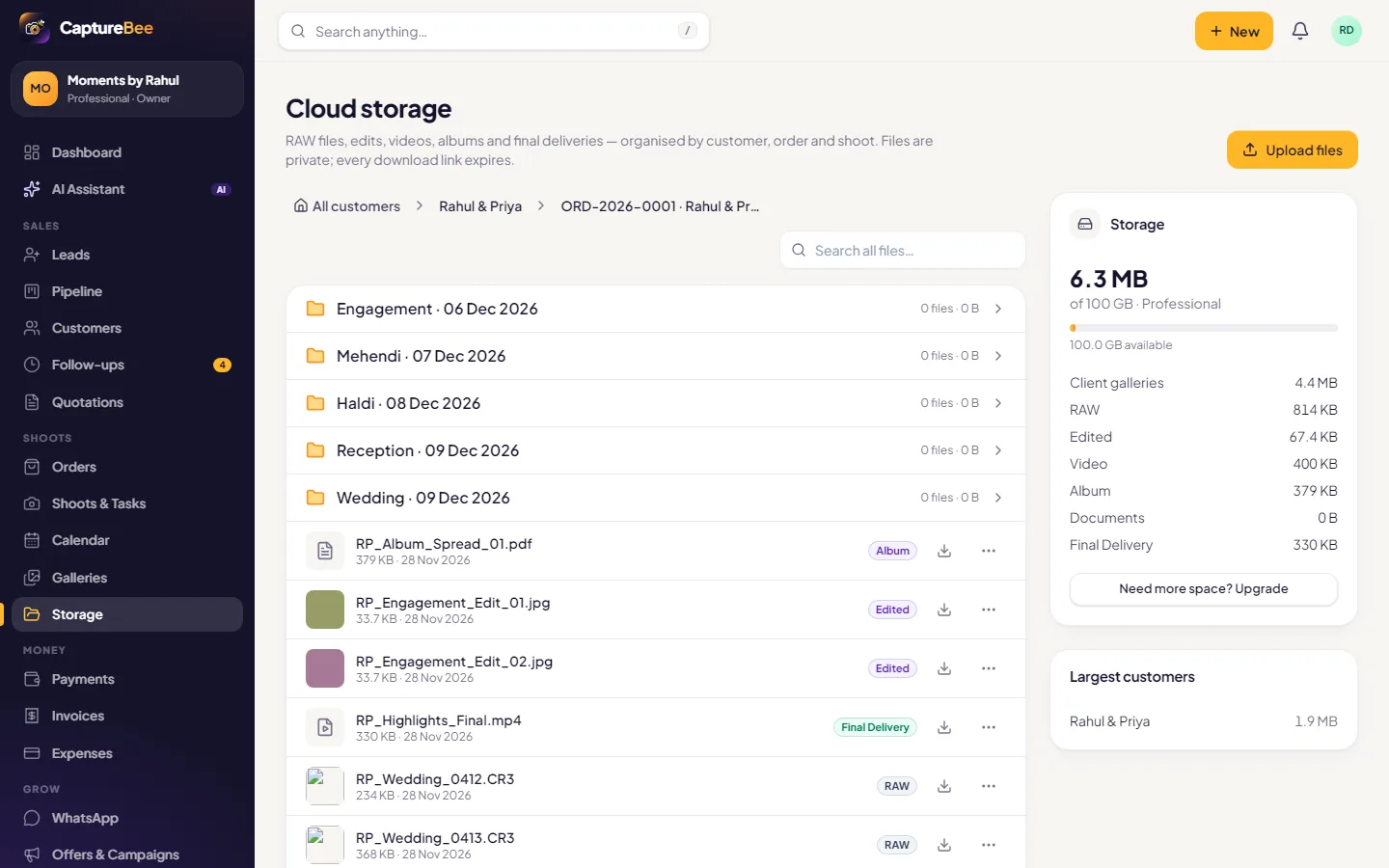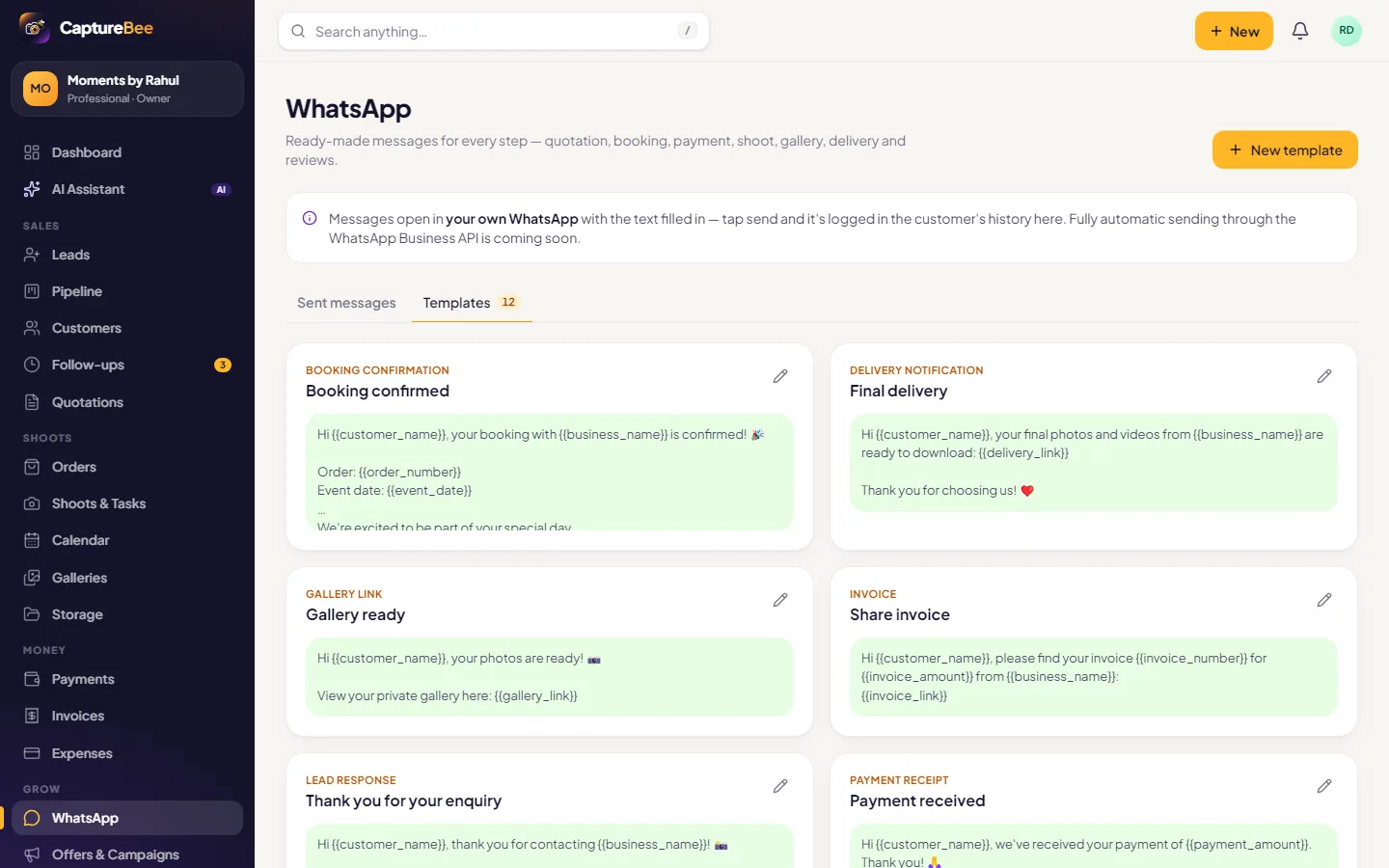
Beautiful, private galleries
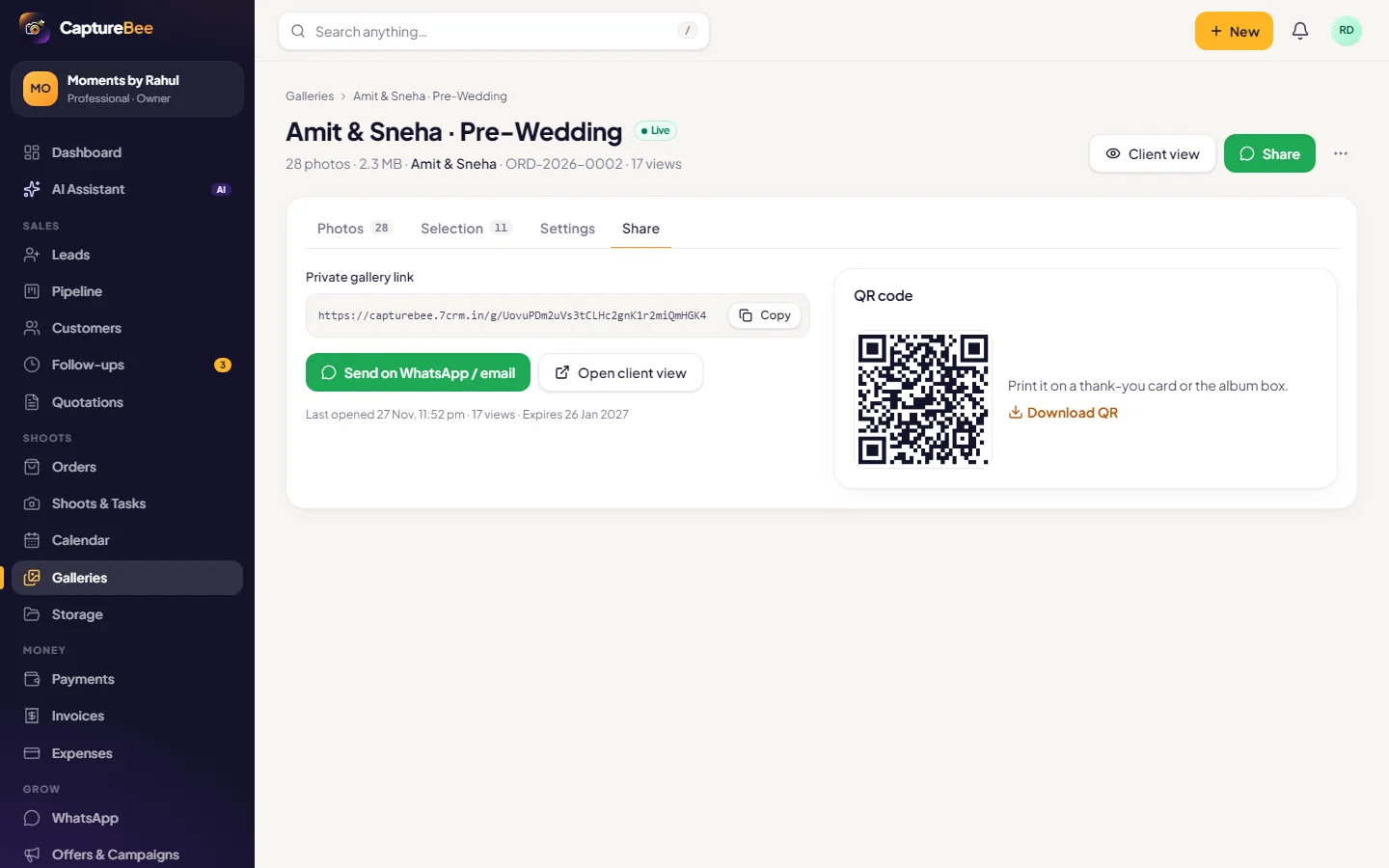
Upload photos to a gallery and CaptureBee creates fast previews and thumbnails automatically. Your client gets a private link (and a QR code for the album box) that opens a full-screen gallery with your branding — on a phone as well as a laptop.
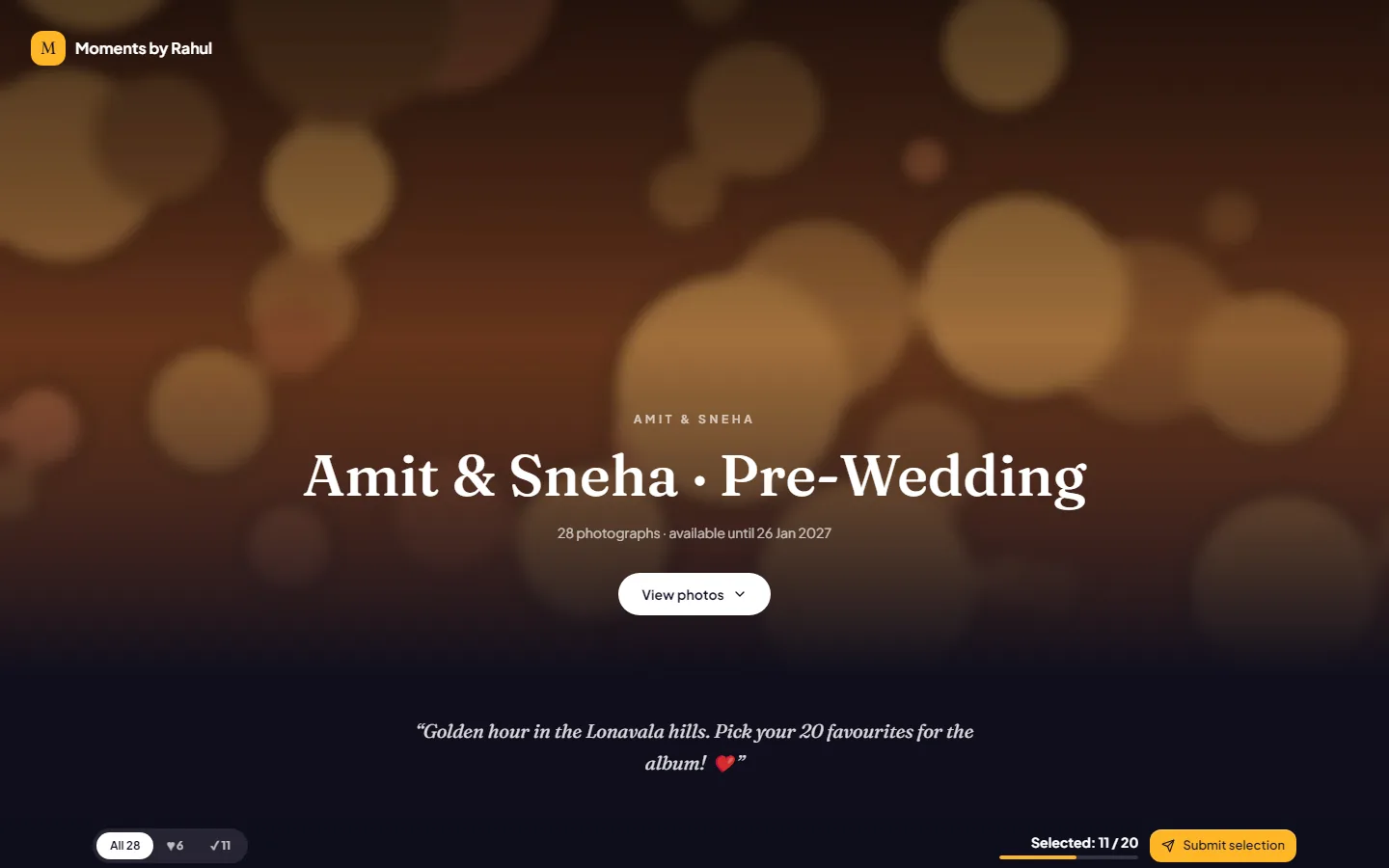
Photo selection without the chaos
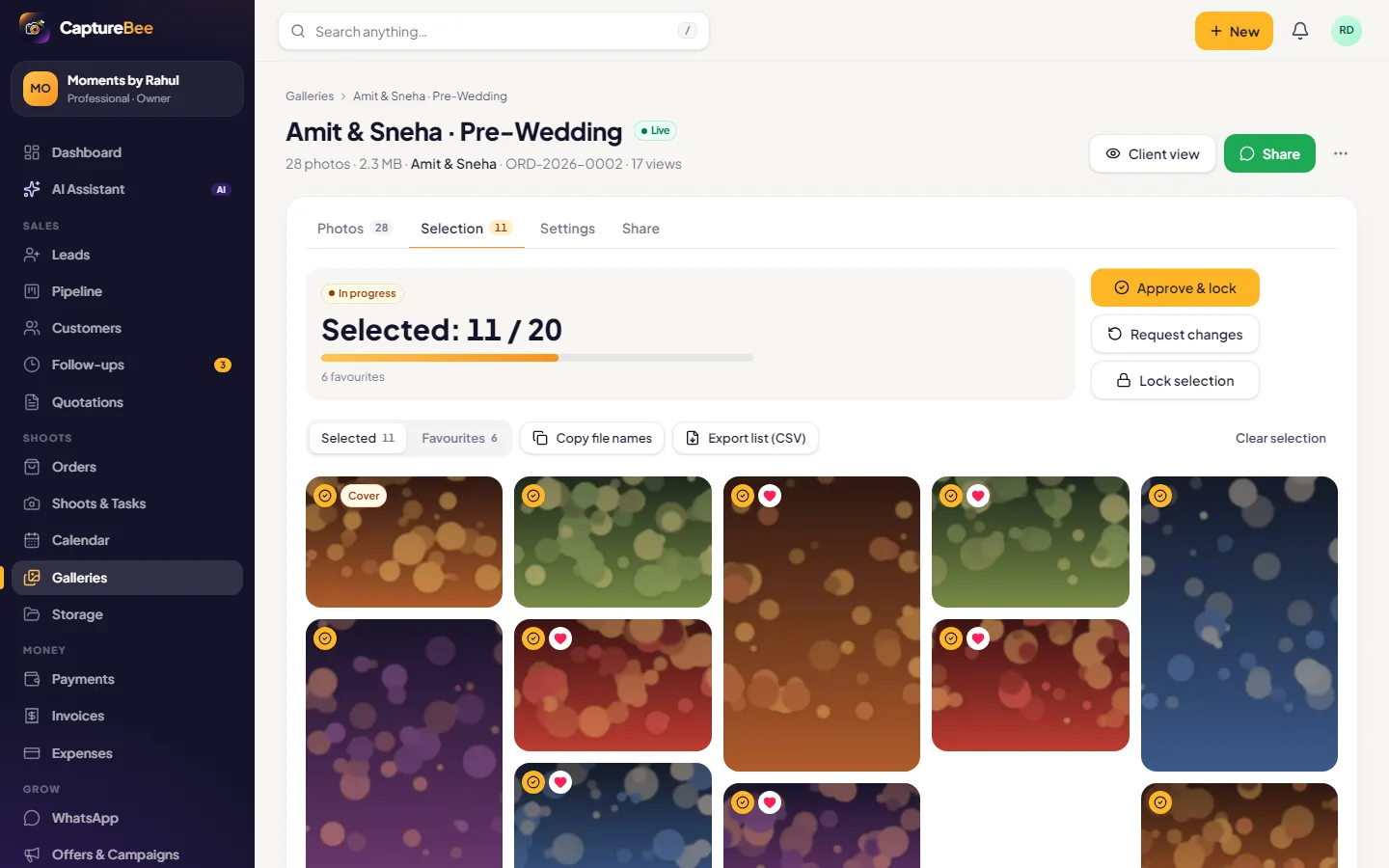
Turn on photo selection and set a limit — say 20 photos for a pre-wedding album or 80 for a wedding album. Clients tap to favourite and select, see "Selected: 11 / 20" as they go, add a comment on a photo if they want a change, and submit when they're done.
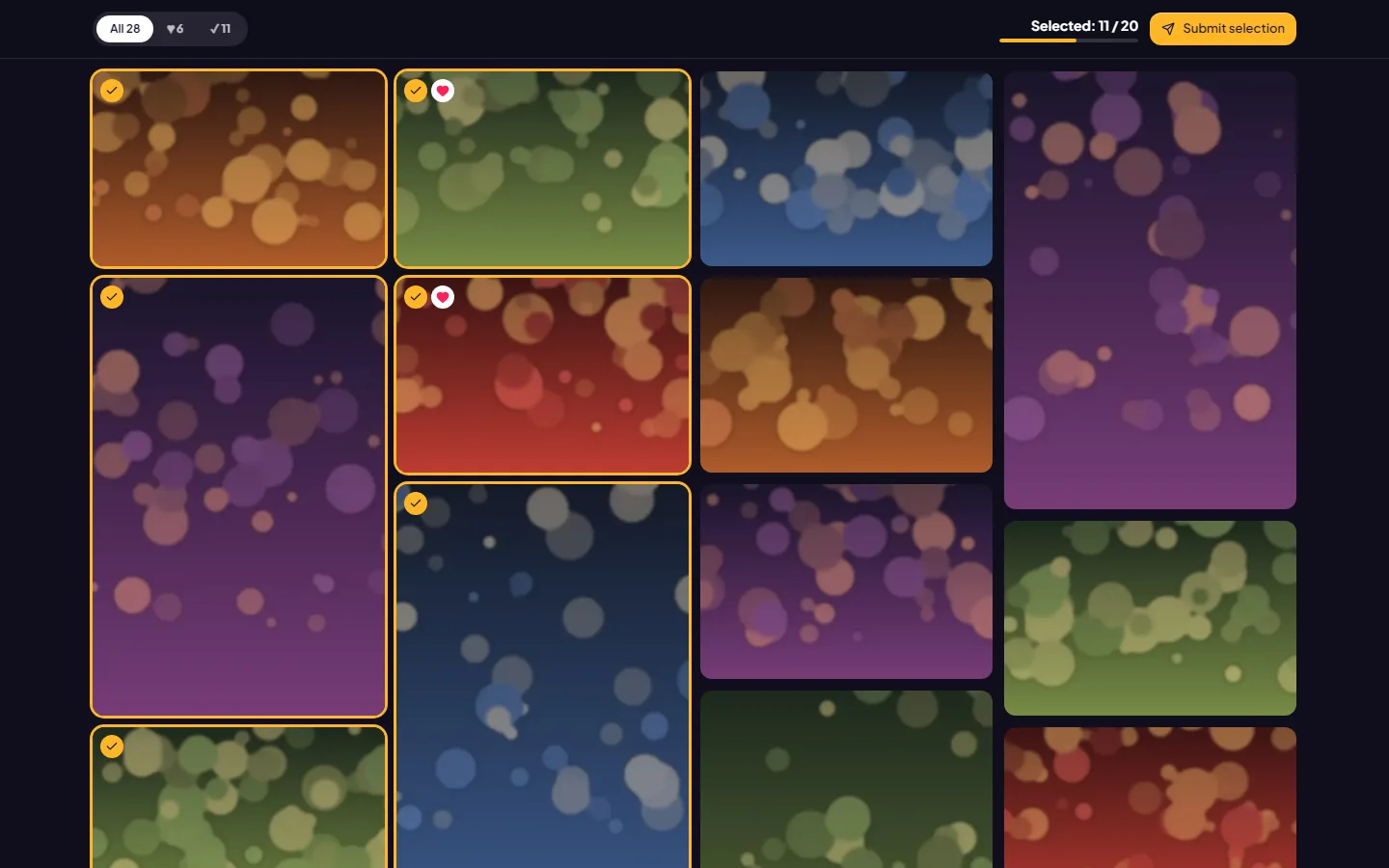
Review, approve and lock
When the selection is submitted, you're notified. Review it, then approve and lock it or request changes. Copy the selected file names to filter them in Lightroom, or export the list as CSV.
Settings for every gallery
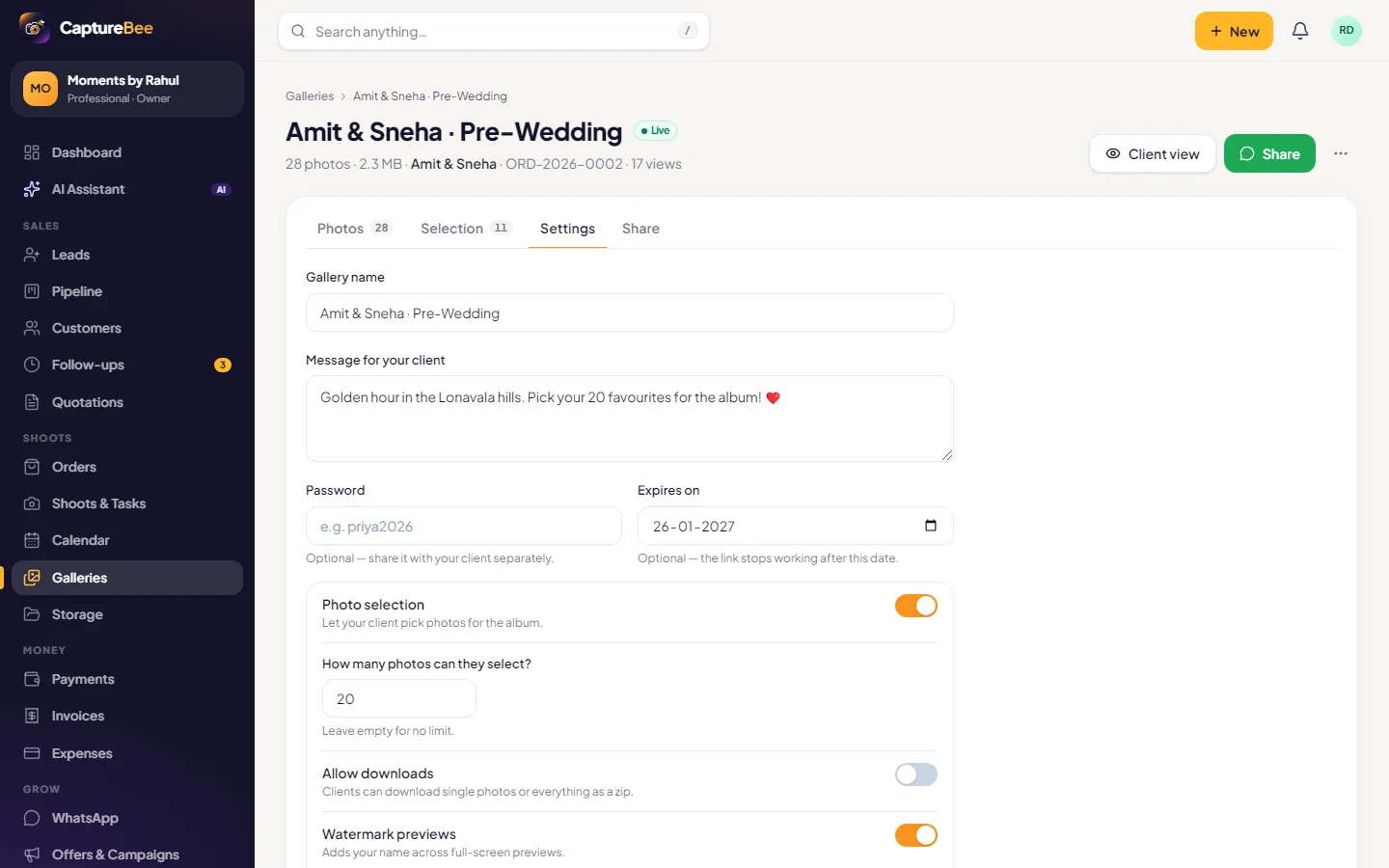
Each gallery has its own message to the client, optional password, expiry date, selection on/off and limit, downloads on/off, download size (full resolution or web size) and watermarked previews.
All galleries, one place
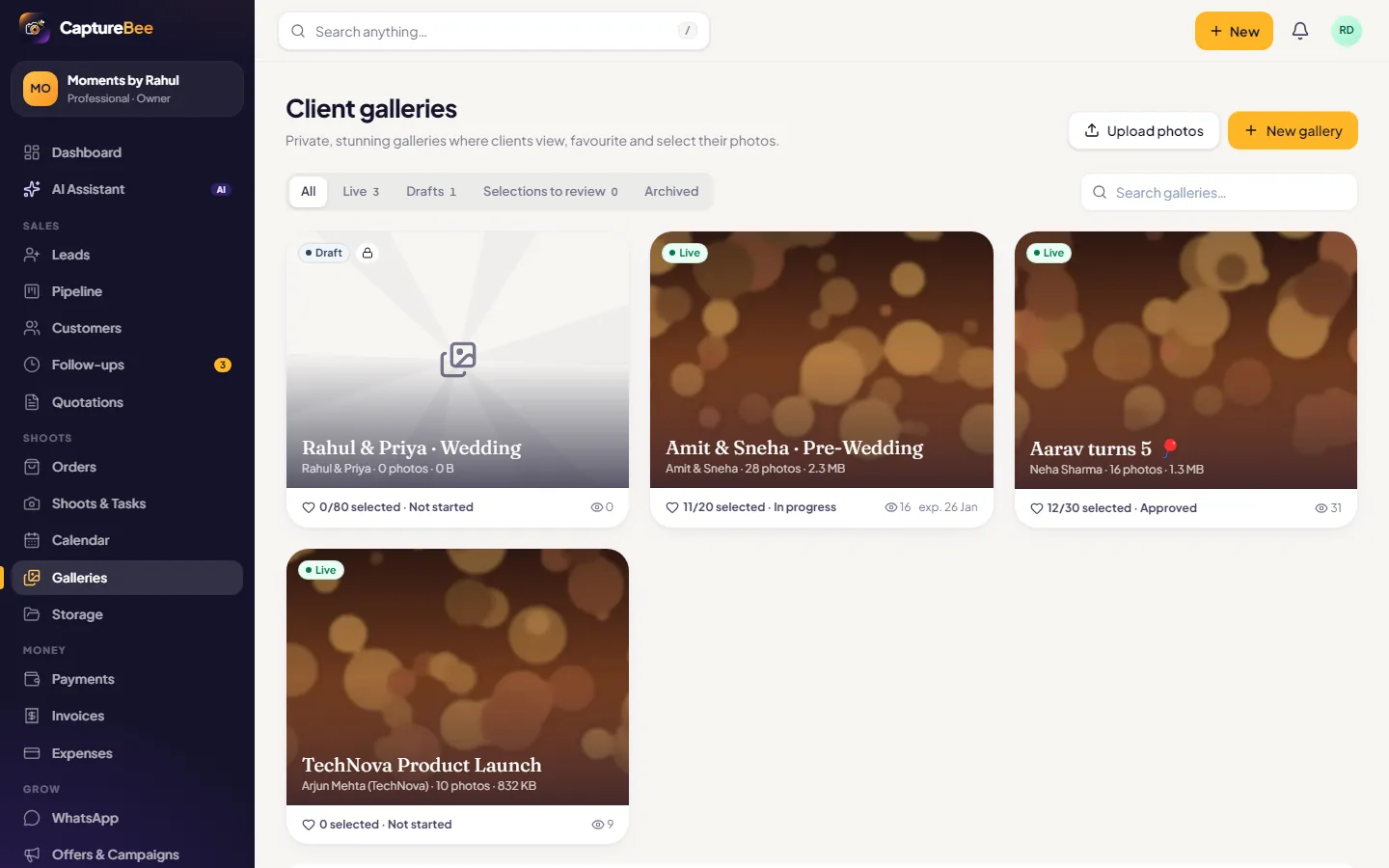
See every gallery's status — draft, live, selections to review, archived — with photo counts, selection progress and views.
Frequently asked questions
Do clients need an account?
No. Clients open the private link (and the password if you set one). Nothing to install.
Can clients download photos?
Only if you allow it — single photos or a zip, in full resolution or web size.
What happens when a gallery expires?
The link stops working after the expiry date. You get a reminder before it expires, and you can extend it.
Does the order move forward automatically?
Yes. Sharing a gallery moves the order to Gallery Shared, and approving the selection moves it to Editing Final.