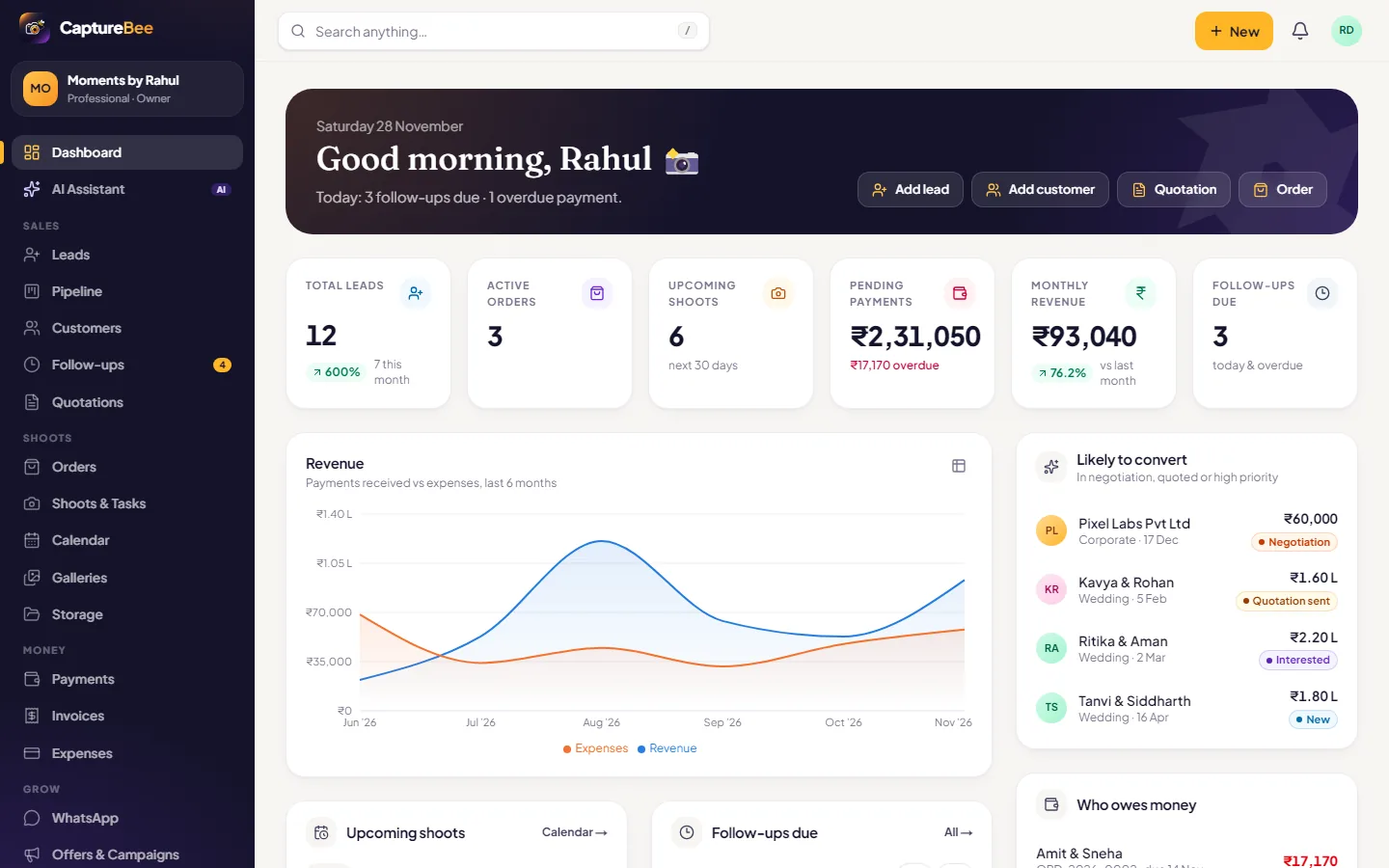
One order, every function
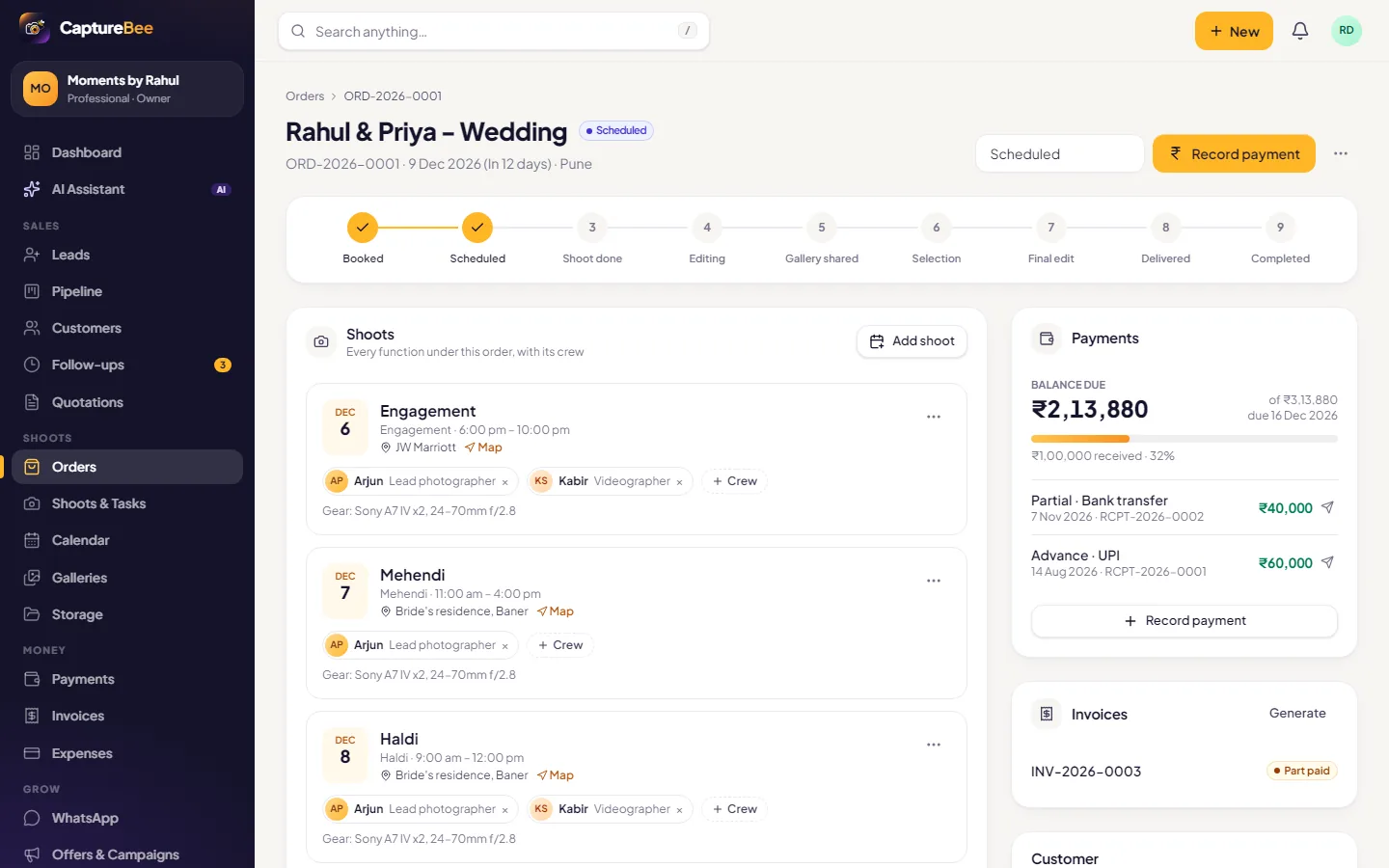
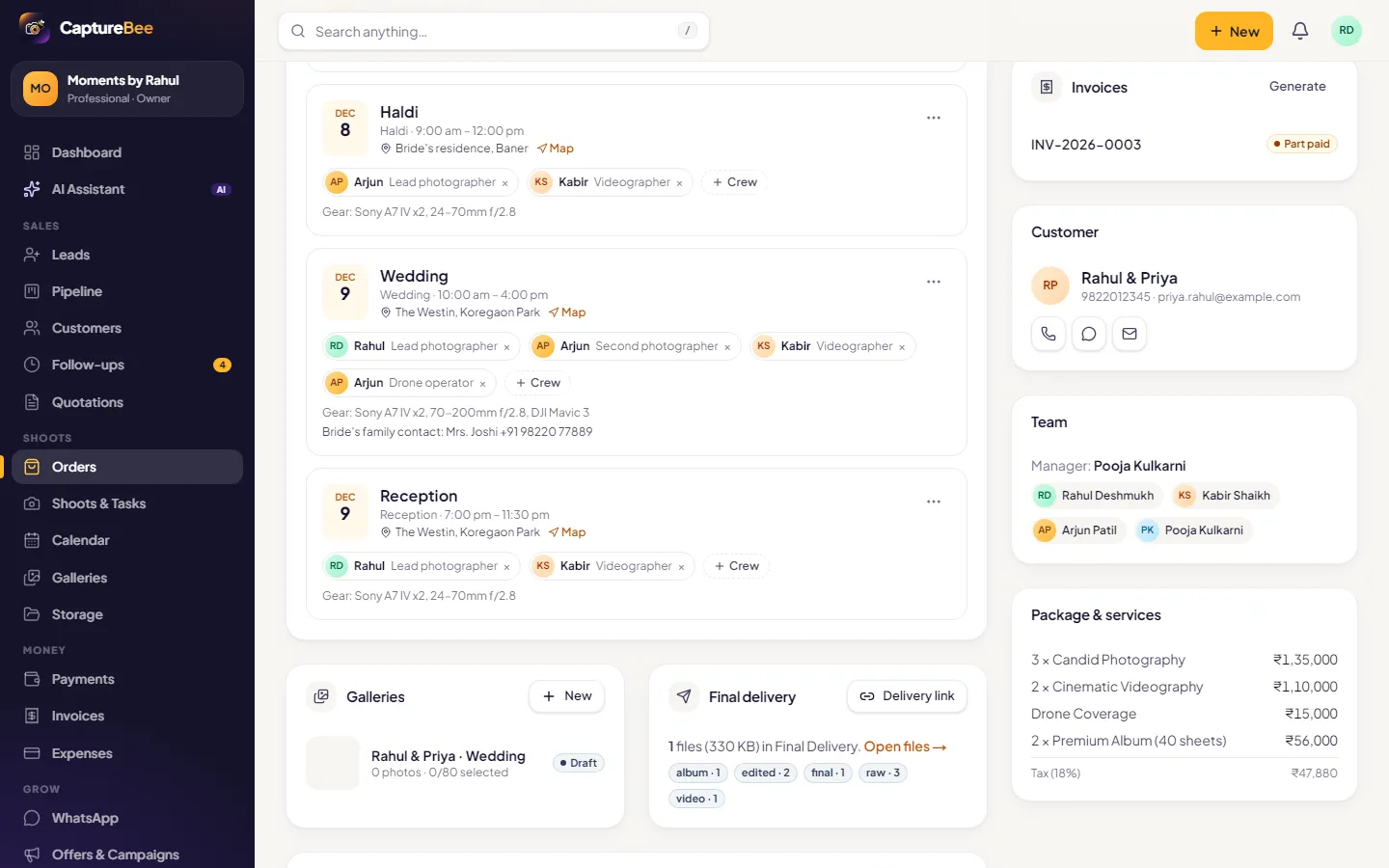
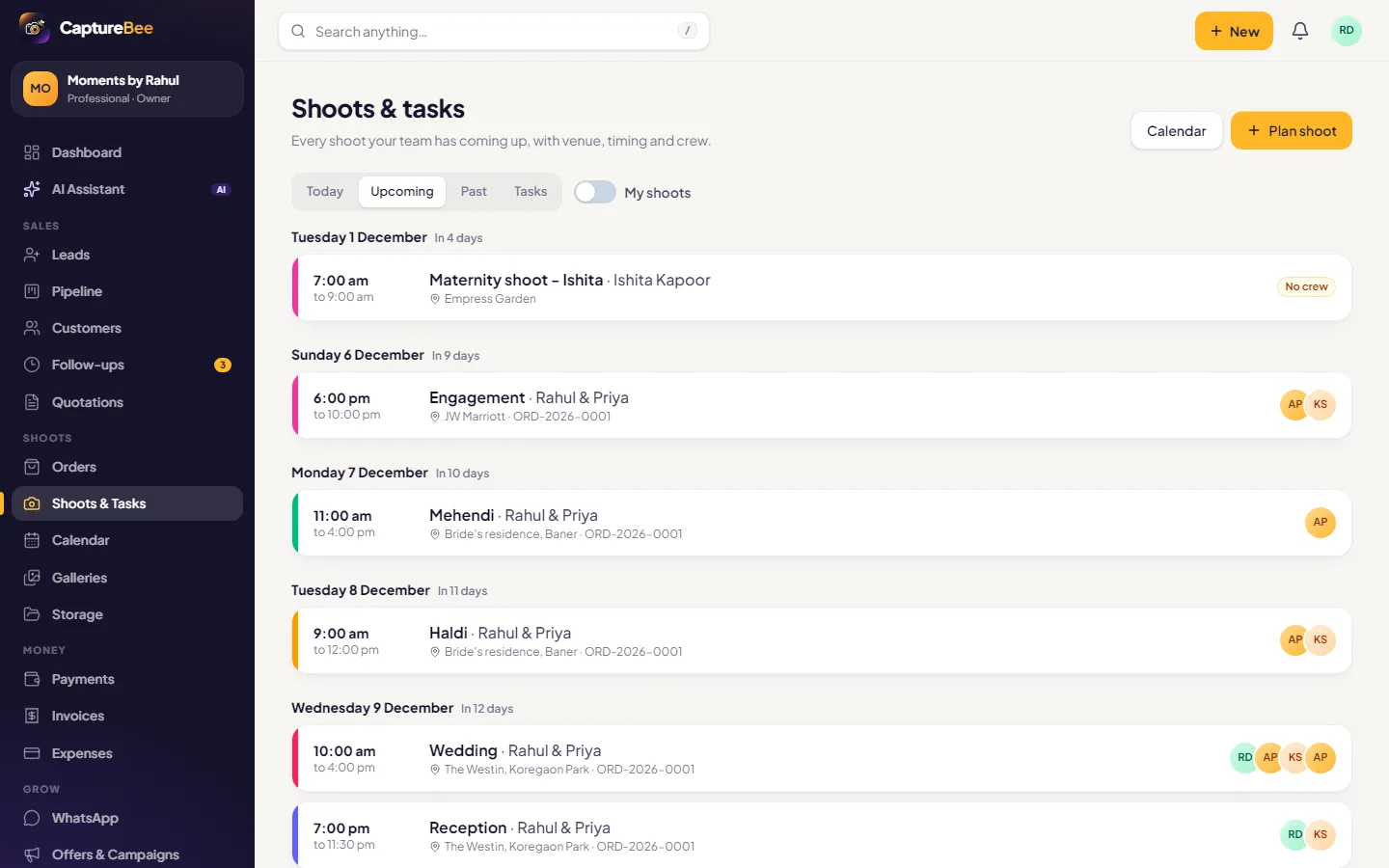
An Indian wedding is not one shoot — it's an engagement, a mehendi, a haldi, the wedding and a reception, often in different places. In CaptureBee each order holds as many shoots as you need, each with its own date, start and end time, venue, address, Google Maps link, gear list and notes.
The right crew on every function
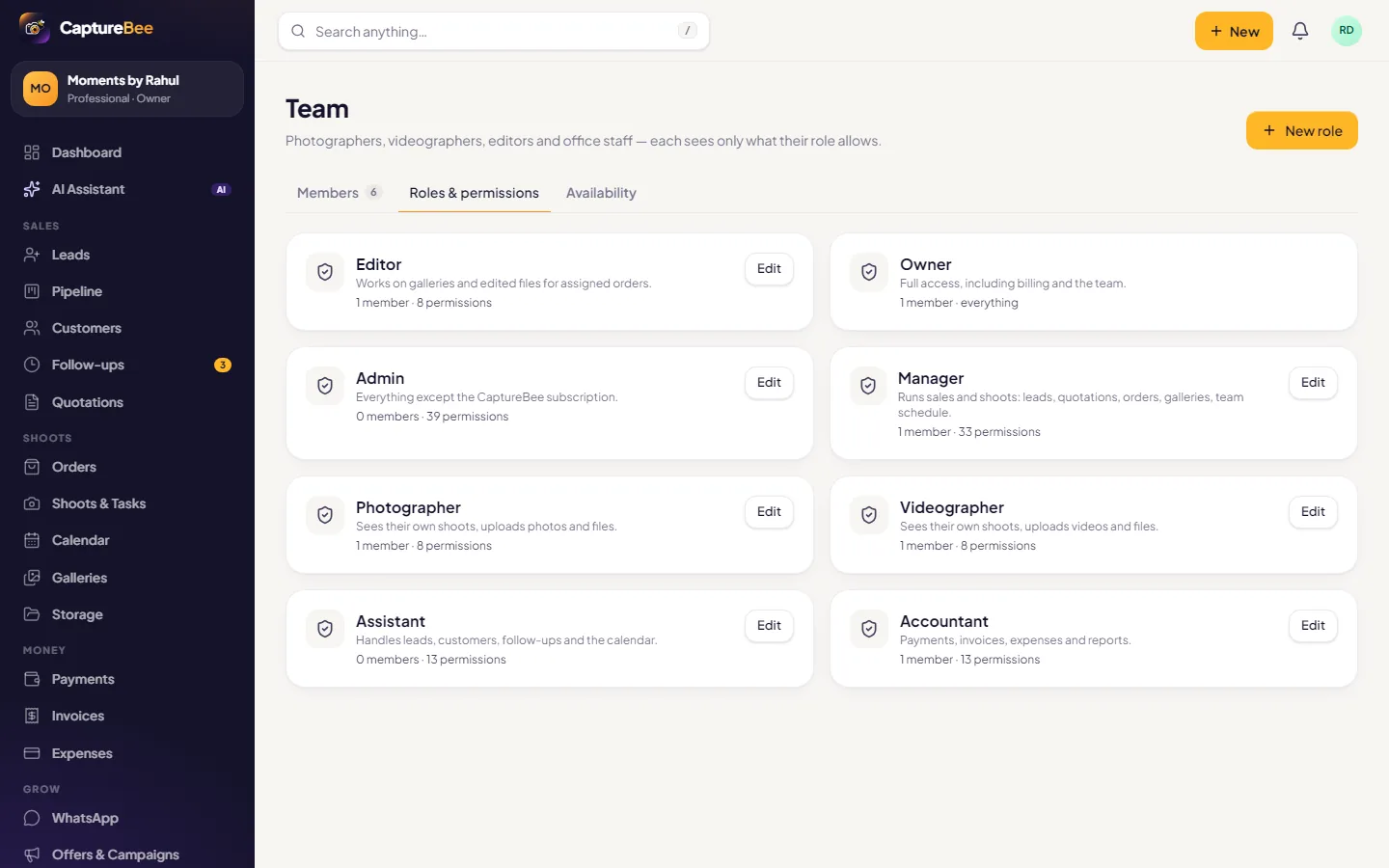
Assign people to a shoot with a crew role — lead photographer, second photographer, videographer, drone operator, editor or assistant. If someone is already booked at that time, CaptureBee warns you before you double-book them. Crew members get notified when they're assigned, and see their own shoots when they log in.
Shoots and tasks
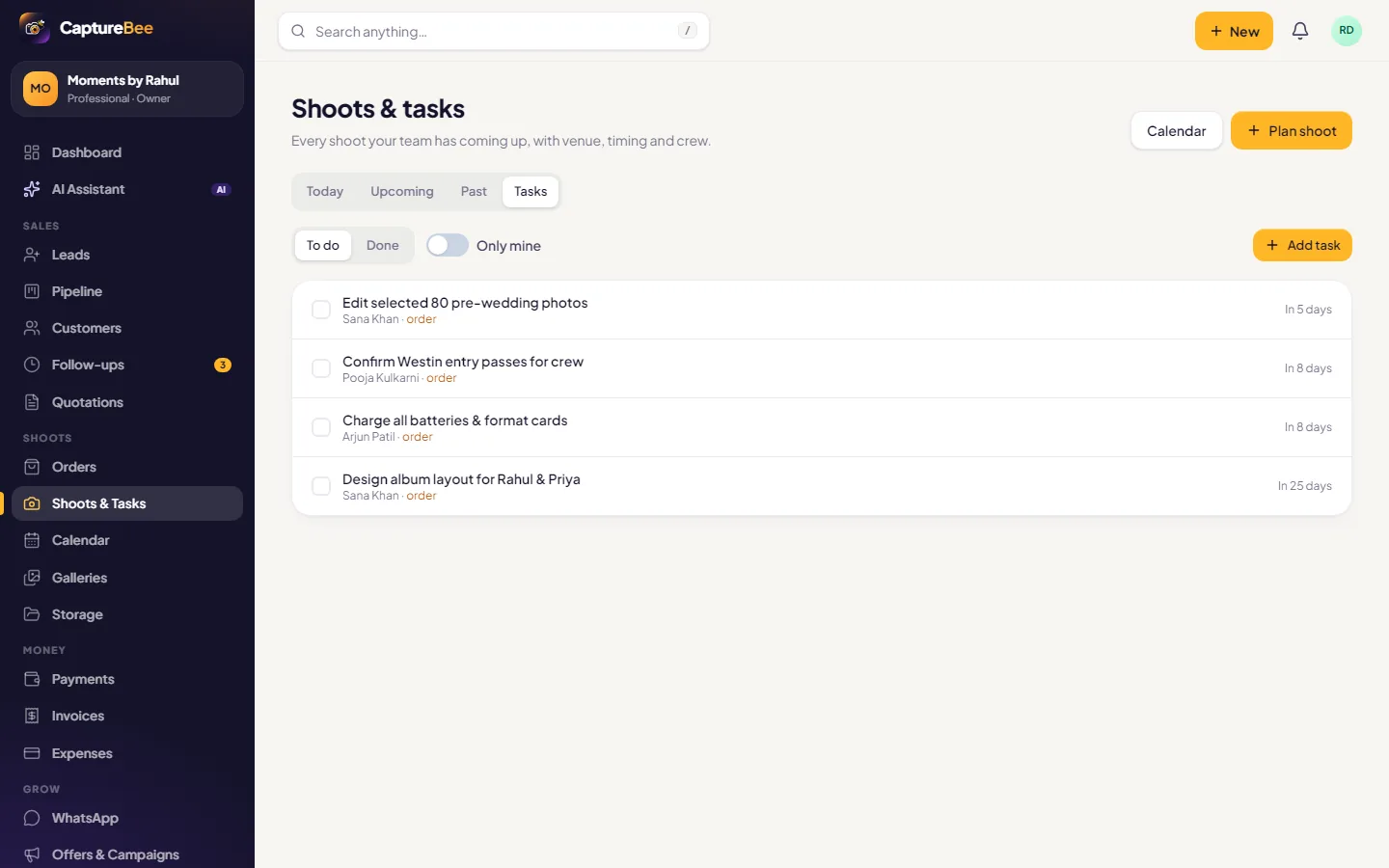
The Shoots & tasks page lists today's, upcoming and past shoots, and the tasks around them — "Edit selected 80 photos", "Confirm entry passes for crew", "Design the album layout". Tasks have a due date, priority and owner.
A calendar for the whole business
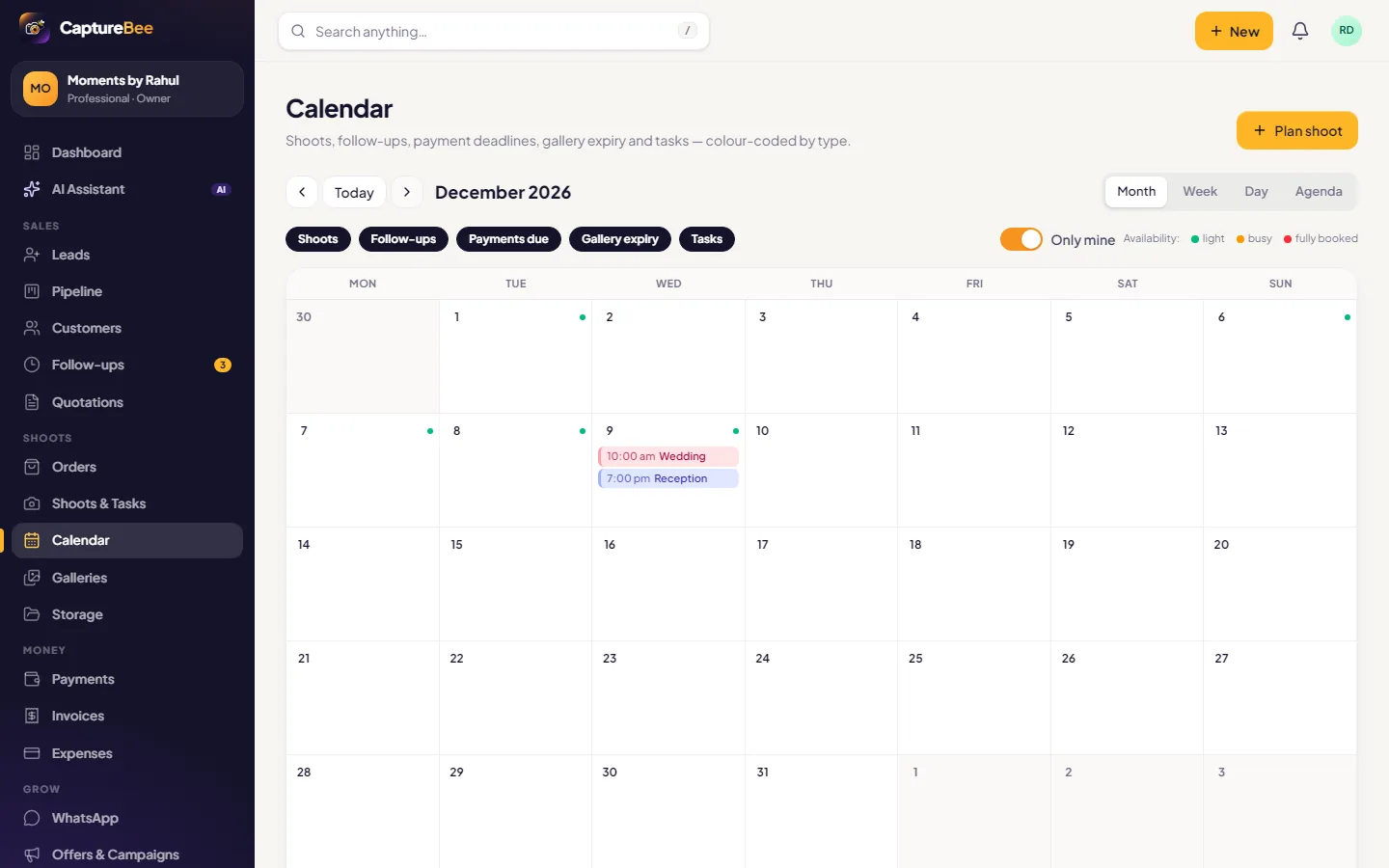
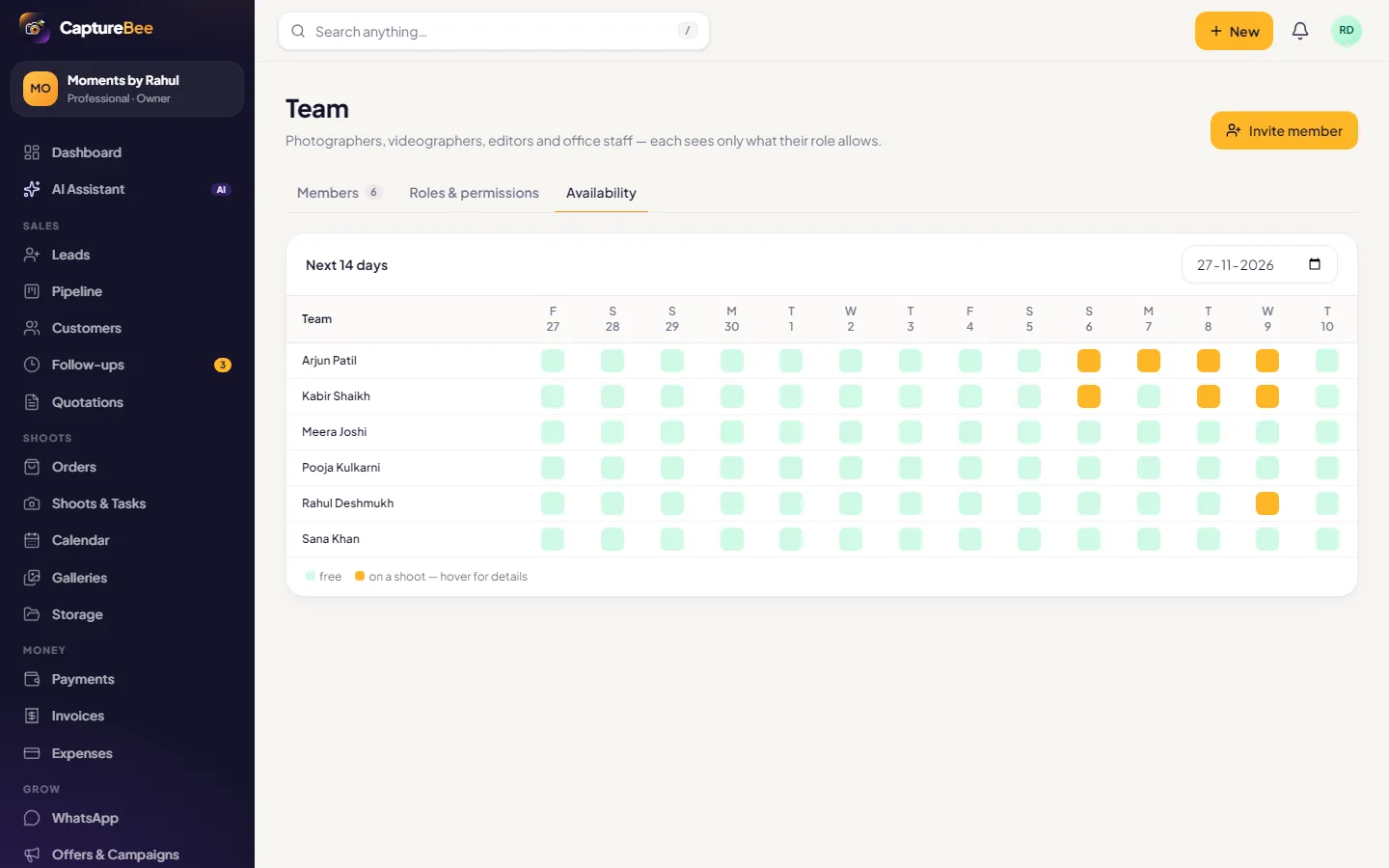
The calendar shows shoots, follow-ups, payment due dates, gallery expiry and tasks in month, week, day or agenda view, colour-coded by type. Switch on Only mine to see just your own work, and check availability before you promise a date to a new couple.
Frequently asked questions
Will my crew be reminded before a shoot?
Yes. The default automation notifies the team one day before each shoot. Customers can be sent a shoot reminder on WhatsApp with the date and venue filled in.
Can freelancers use CaptureBee?
Yes. Invite them as photographers or videographers: they see only the shoots they're crew on and the galleries they work on.
Can I override a double-booking warning?
Yes — sometimes two short functions really do fit. CaptureBee warns you and lets you decide.