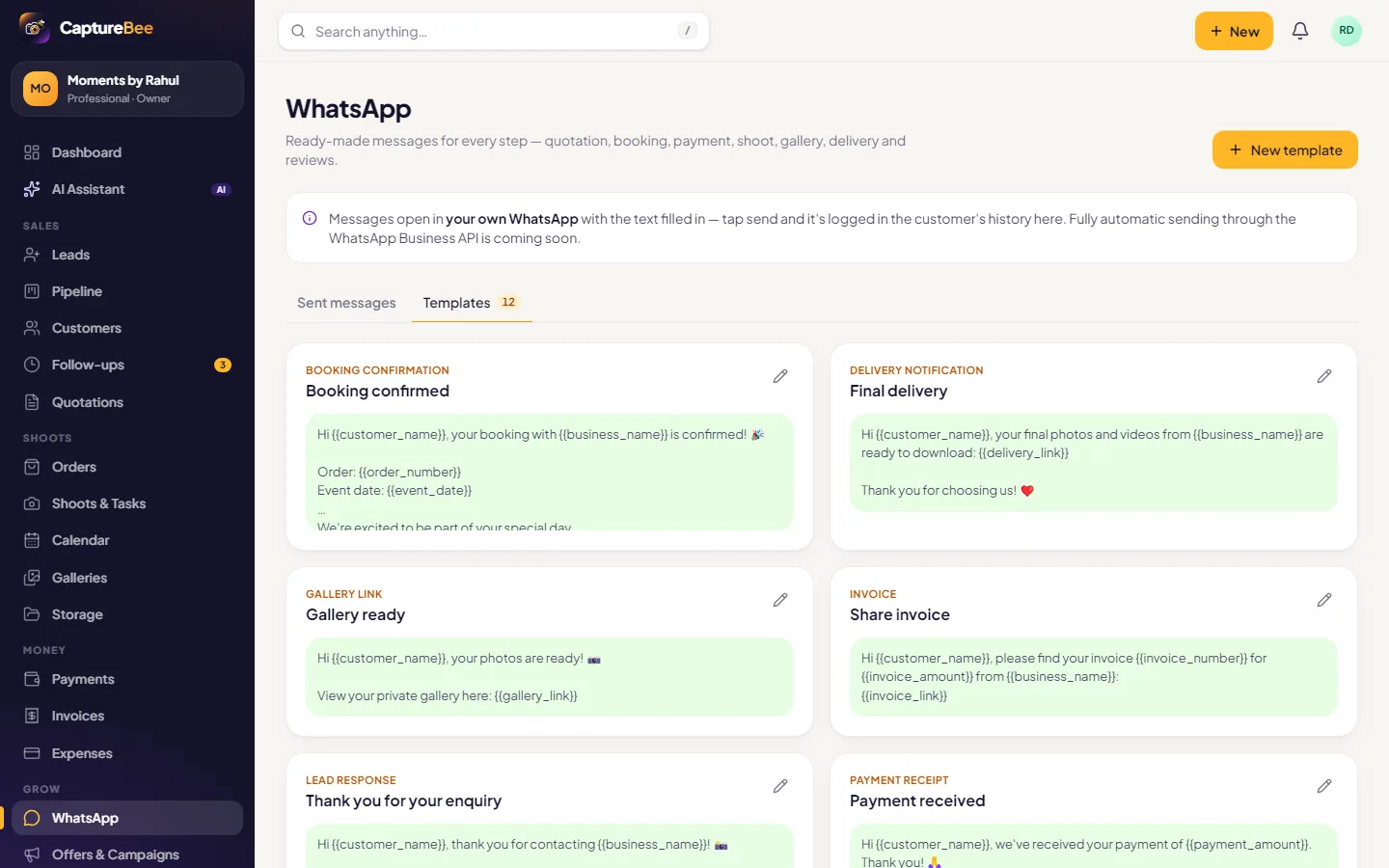
Templates for every step
CaptureBee includes ready messages for the whole journey: enquiry reply, quotation, booking confirmation, invoice, payment receipt, payment reminder, shoot reminder, gallery ready, photo selection reminder, final delivery, review request and special offer. Edit any of them, or create your own, using variables such as {{customer_name}}, {{event_date}}, {{quotation_link}}, {{balance_amount}} and {{gallery_link}}.
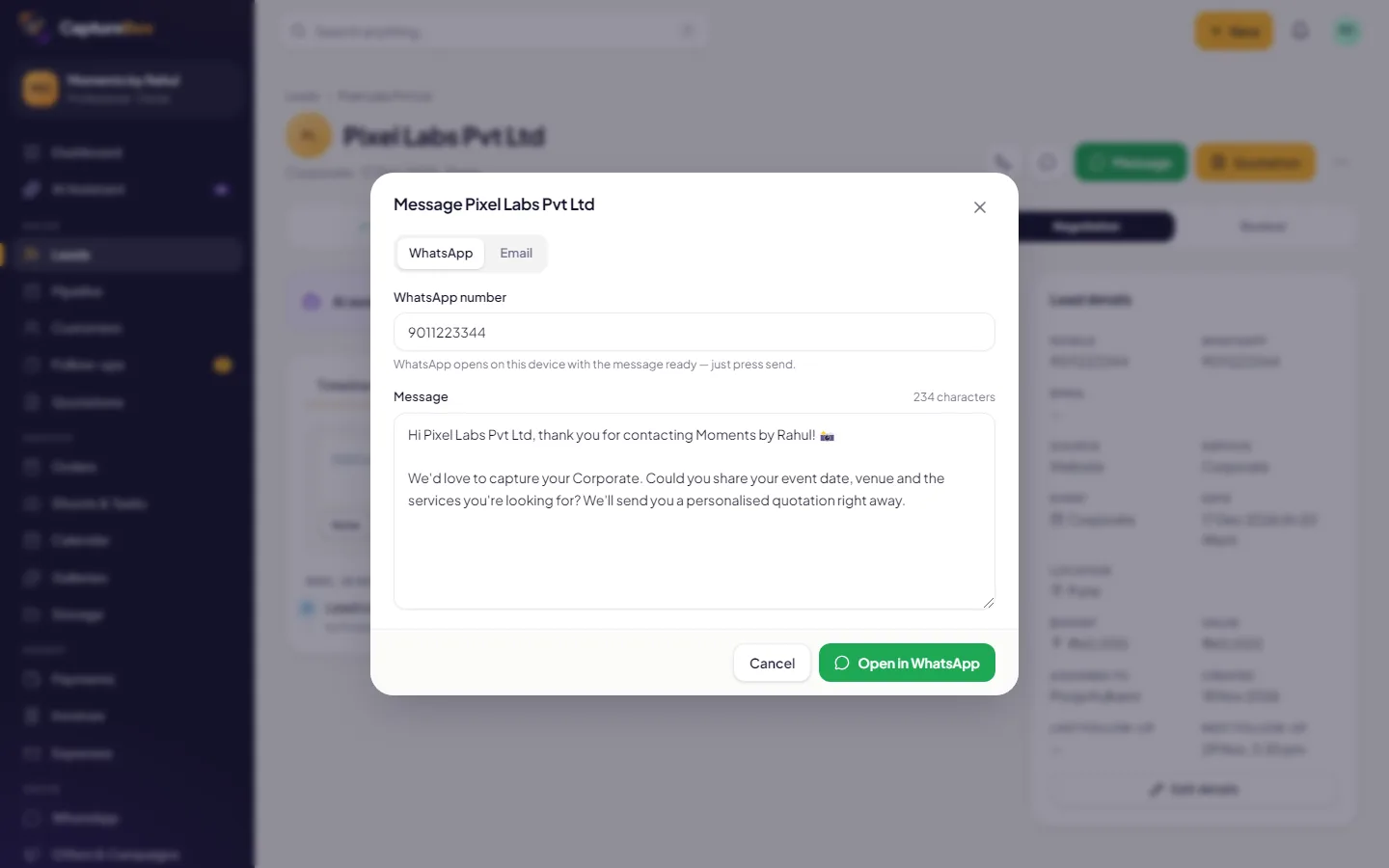
Click to send, logged automatically
Press Message on a lead, order, quotation or gallery. The right template opens with everything filled in. Tap Open in WhatsApp and the message is ready in your own WhatsApp — just press send. Every message is logged in the customer's history and in Sent messages.
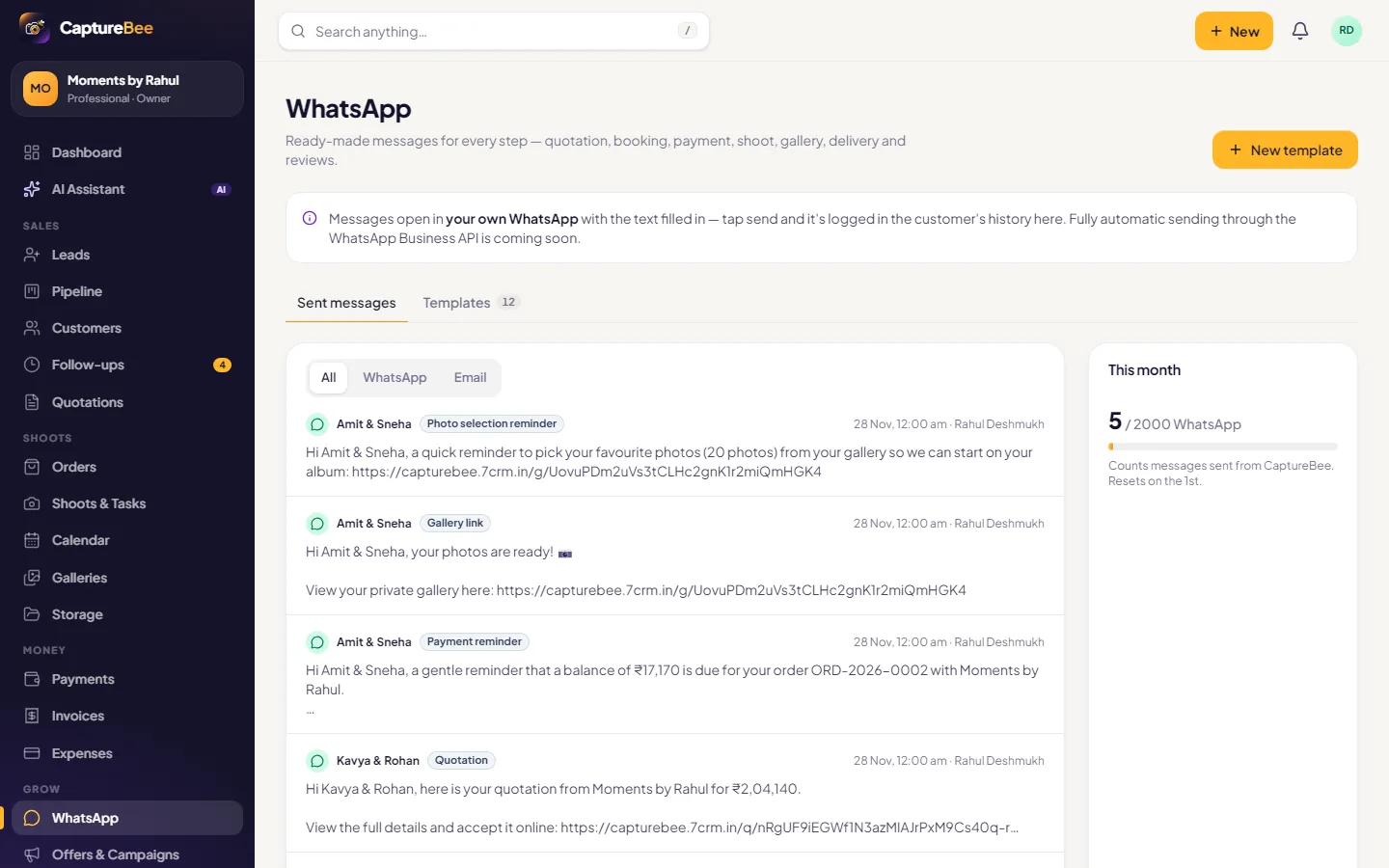
Fully automatic sending through the WhatsApp Business API is coming soon. Today, messages go from your own WhatsApp — which also means clients see your familiar number.
Automations that remember for you
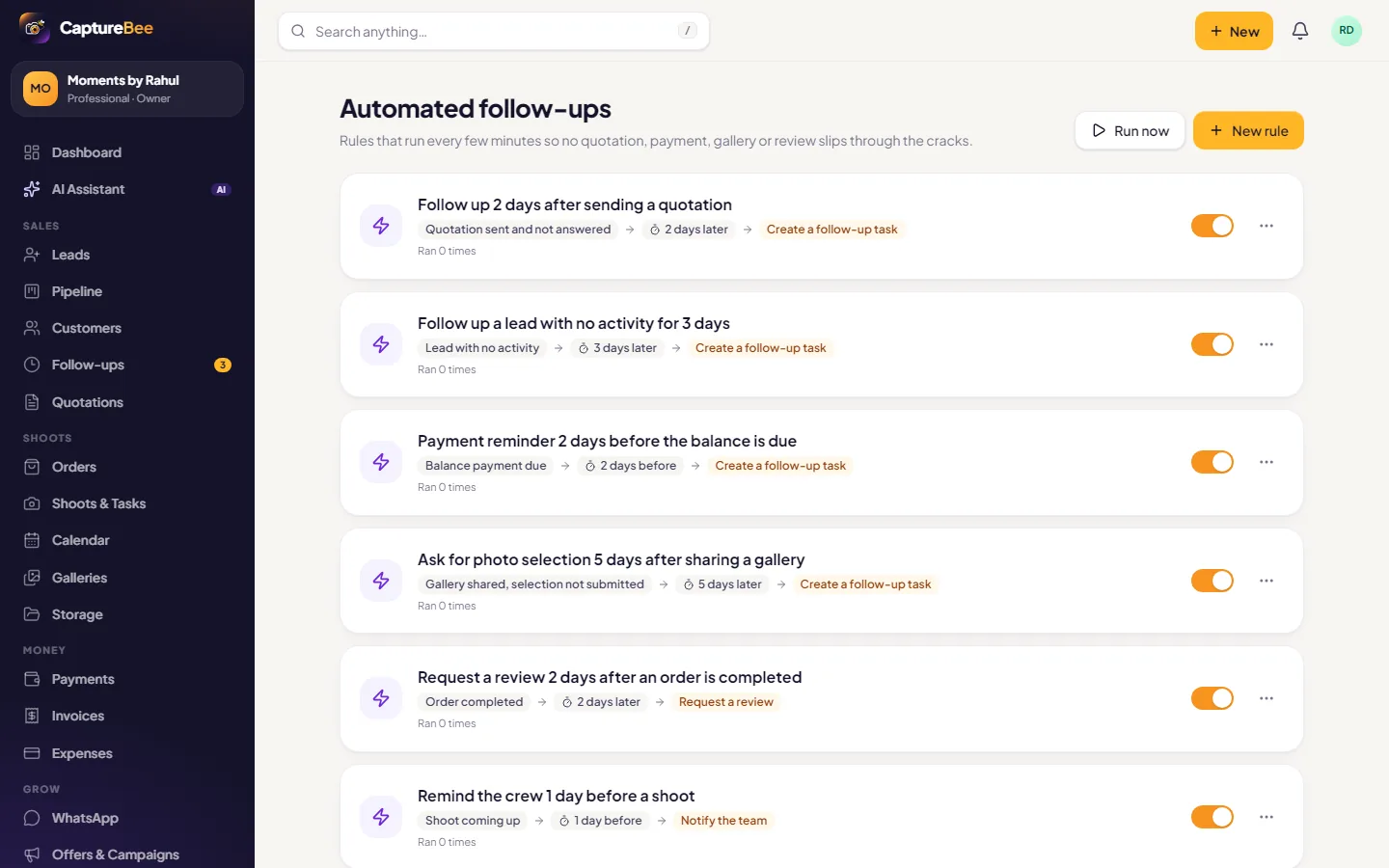
Six rules are switched on for every new studio:
| When | Wait | What happens |
|---|---|---|
| Quotation sent and not answered | 2 days | Follow-up task |
| Lead with no activity | 3 days | Follow-up task |
| Balance payment due | 2 days before | Follow-up task |
| Gallery shared, selection not submitted | 5 days | Follow-up task |
| Order completed | 2 days | Review request |
| Shoot coming up | 1 day before | Team notified |
Change the wait, the action or the template, switch rules off, or add your own. Each rule acts once per quotation, lead, order or gallery, so nobody gets reminded twice.
Offer campaigns
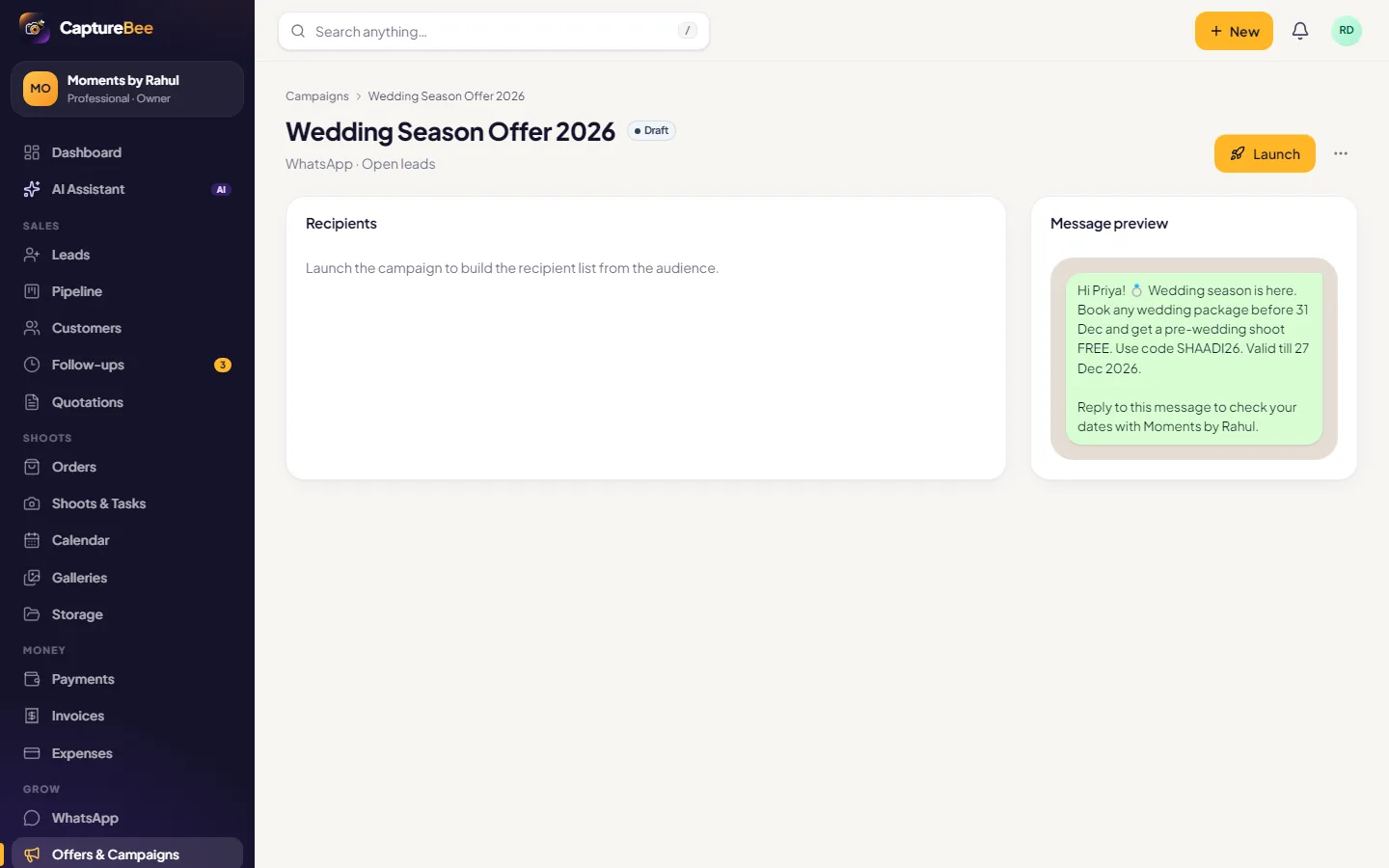
Bring past clients back with a wedding-season, Diwali or birthday offer. Choose an audience — all customers, customers by event type, customers inactive for six months, a tag, open leads or lost leads — add an offer, code and validity, and send by email or WhatsApp.
Frequently asked questions
Do I need the WhatsApp Business API?
No. CaptureBee opens your own WhatsApp (personal or Business app) with the message ready. API sending is coming soon.
Can automations message clients directly?
Automations create follow-up tasks, notify your team, email the customer or request a review. WhatsApp messages are sent by you in one tap, so you stay in control of the tone.
How do WhatsApp campaigns work?
CaptureBee builds the recipient list and the message; you go through the list and tap to open each chat. Email campaigns are sent for you.