Every rupee, against the right order
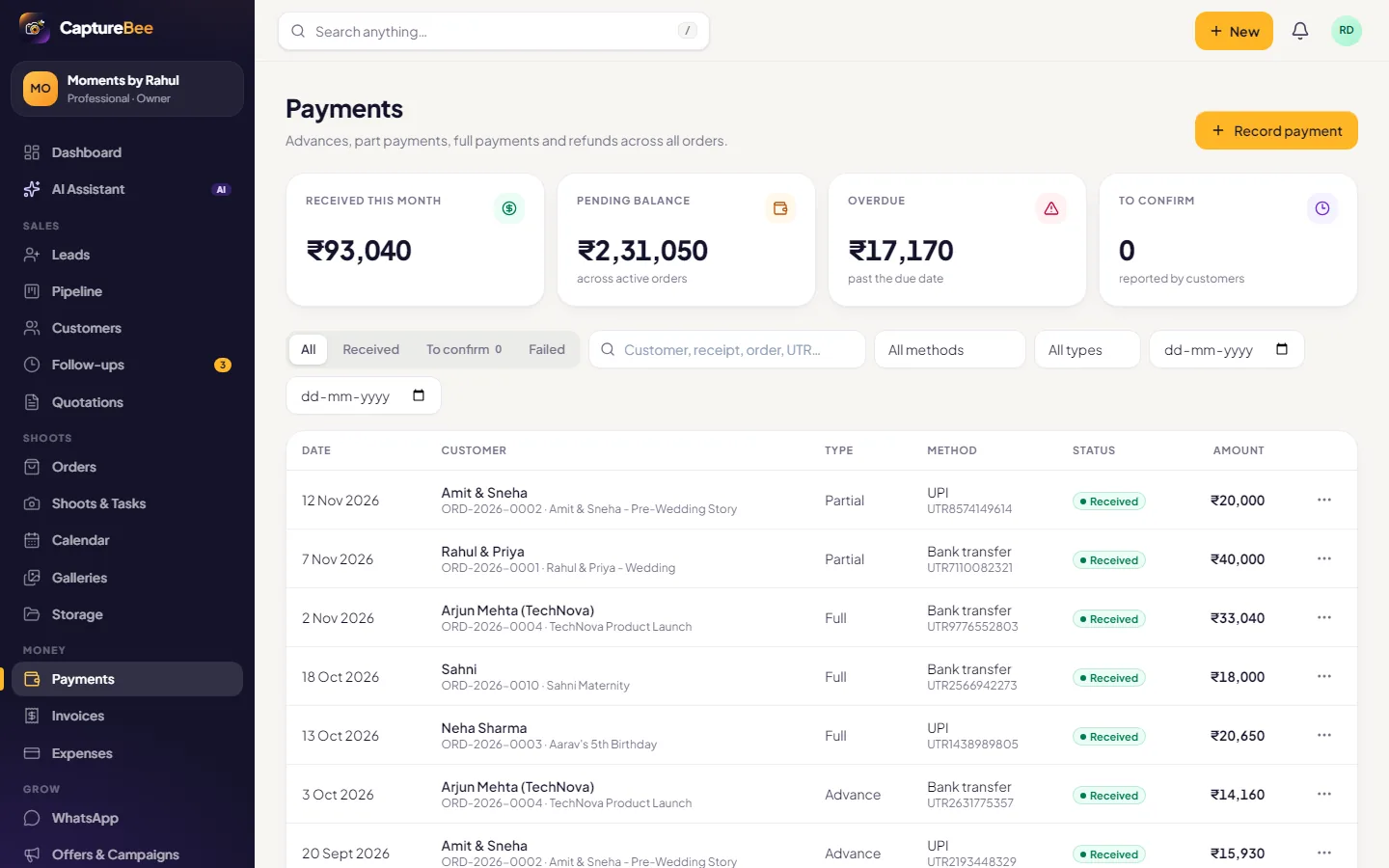
Record a payment against an order or an invoice: advance, partial, full or refund, paid by UPI, bank transfer, cash, card, cheque or online payment, with the reference or UTR. CaptureBee updates the order's balance immediately and stops mistakes like recording more than what's due or refunding more than what was paid.
Clients tell you when they've paid
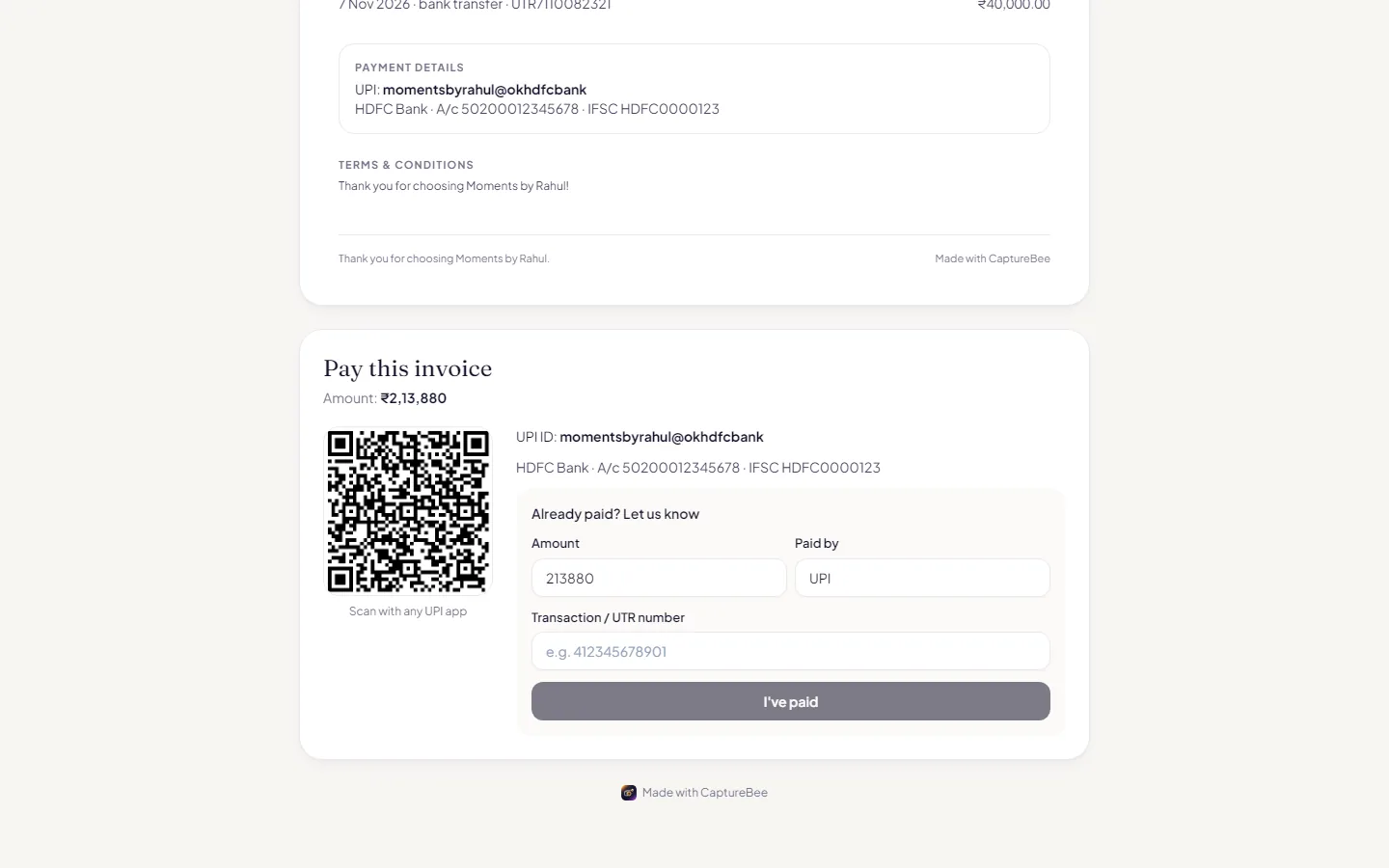
Quotations and invoices show your UPI ID as a QR code along with your bank details. When a client pays, they tap I've paid, enter the amount and UTR, and you get a payment to confirm. One tap and it's recorded — no more scrolling through bank SMS to match payments.
Receipts in one tap
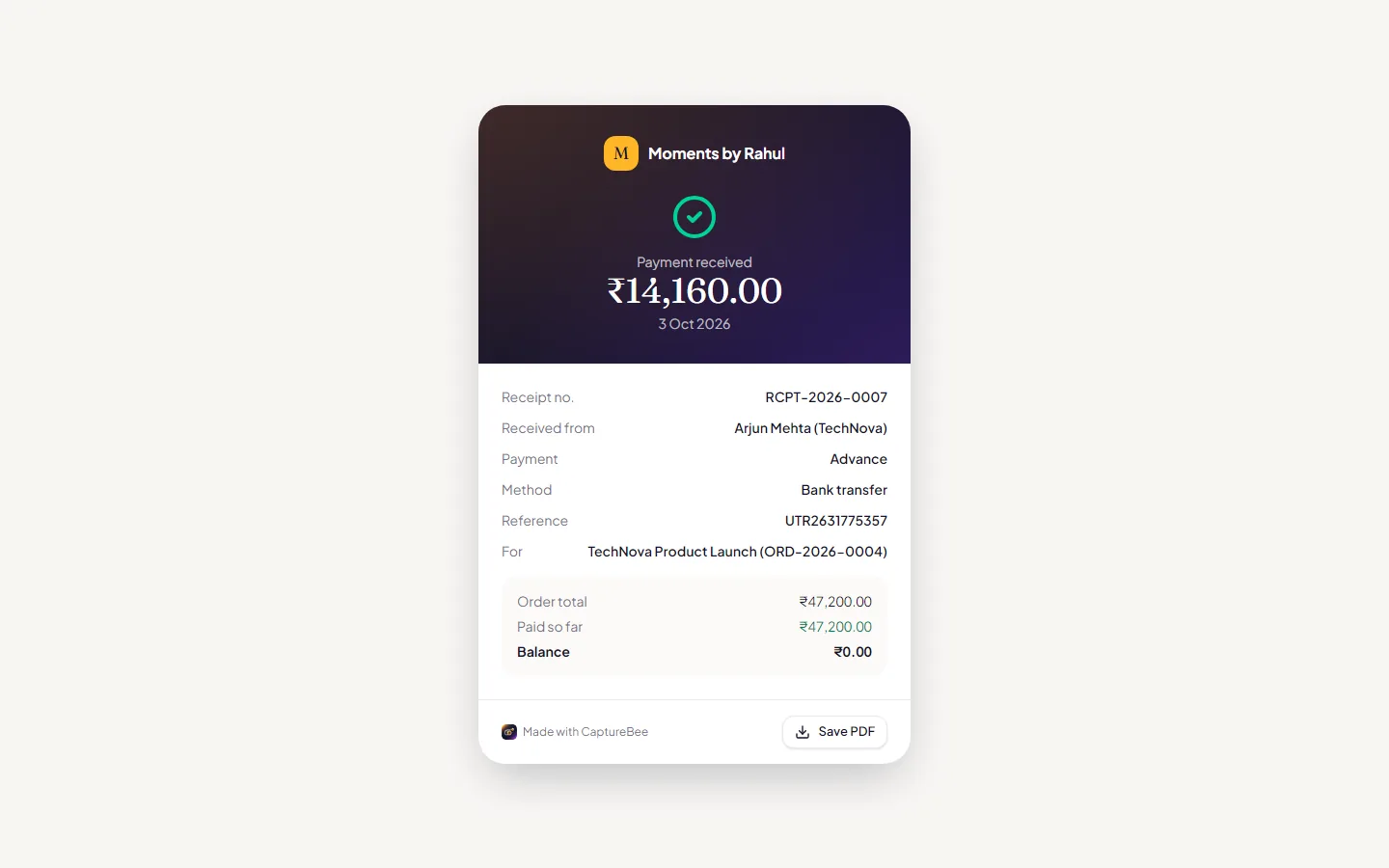
Every confirmed payment gets a receipt with its own link — the amount, method, reference, order total, paid so far and balance. Send it on WhatsApp straight away.
GST-ready invoices
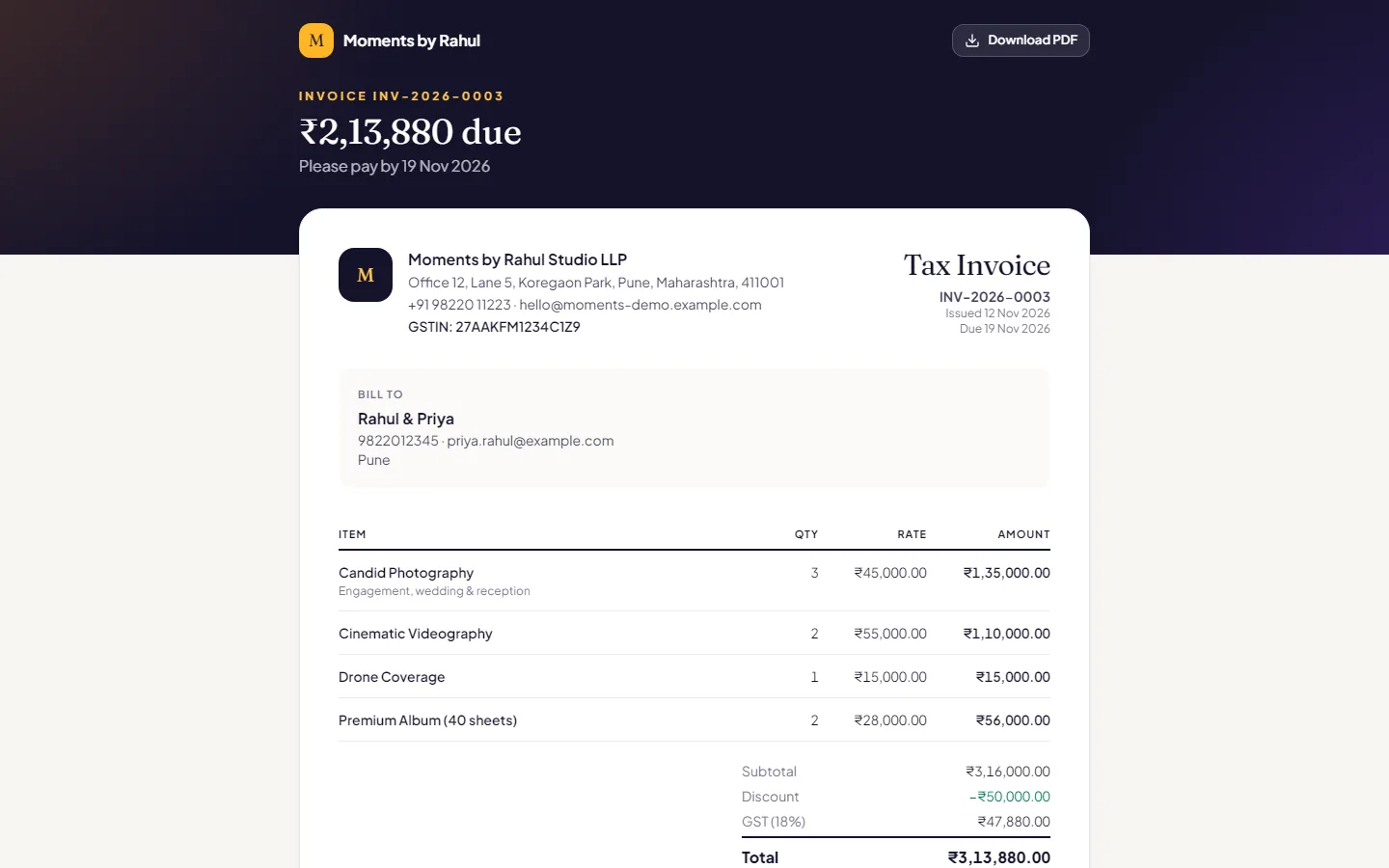
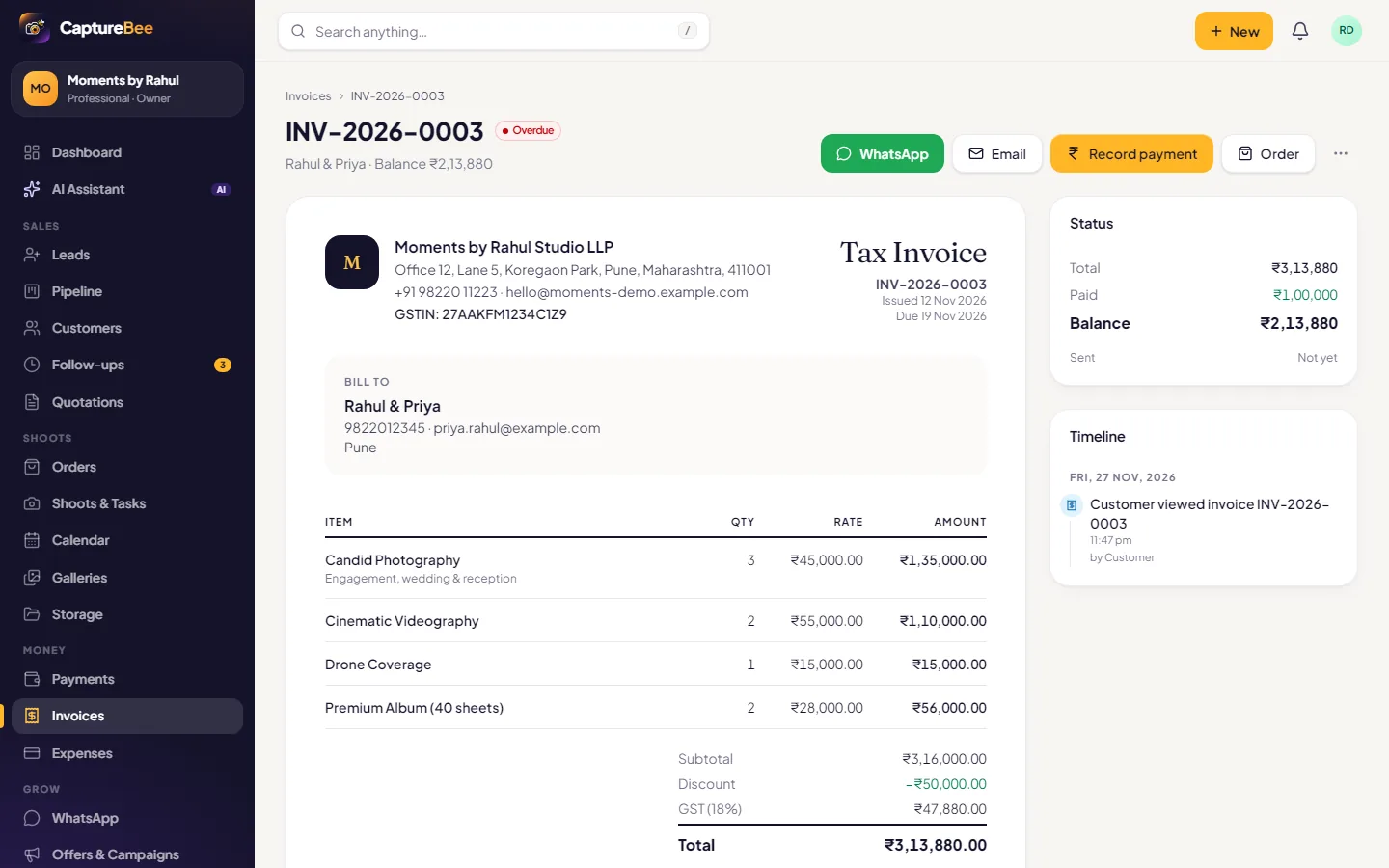
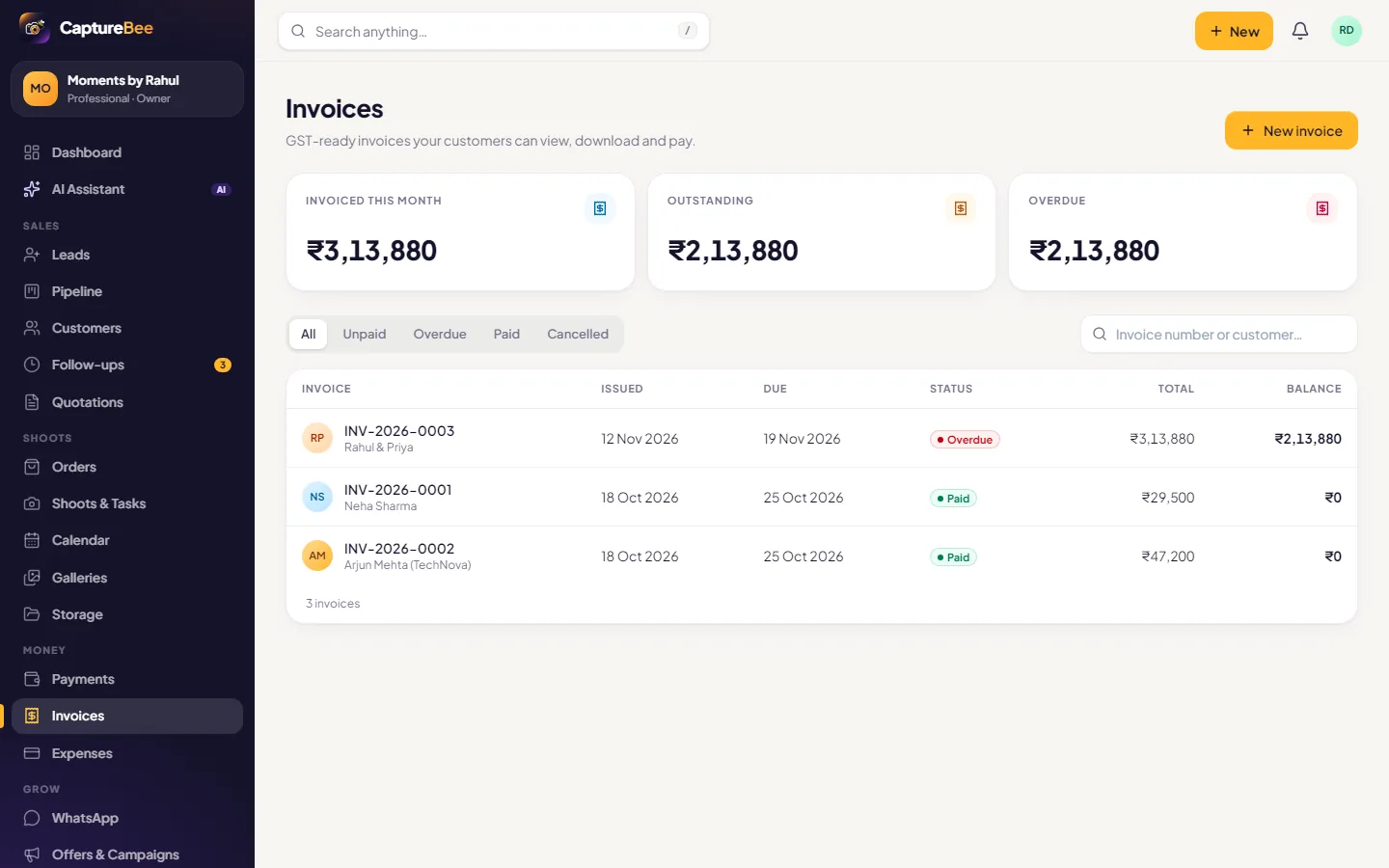
Generate an invoice from an order with your legal name, address and GSTIN, the client's details, the items, discount, GST and total. Invoices have a due date (7 days by default), and you can see what's unpaid, part-paid, paid and overdue.
Expenses and real profit
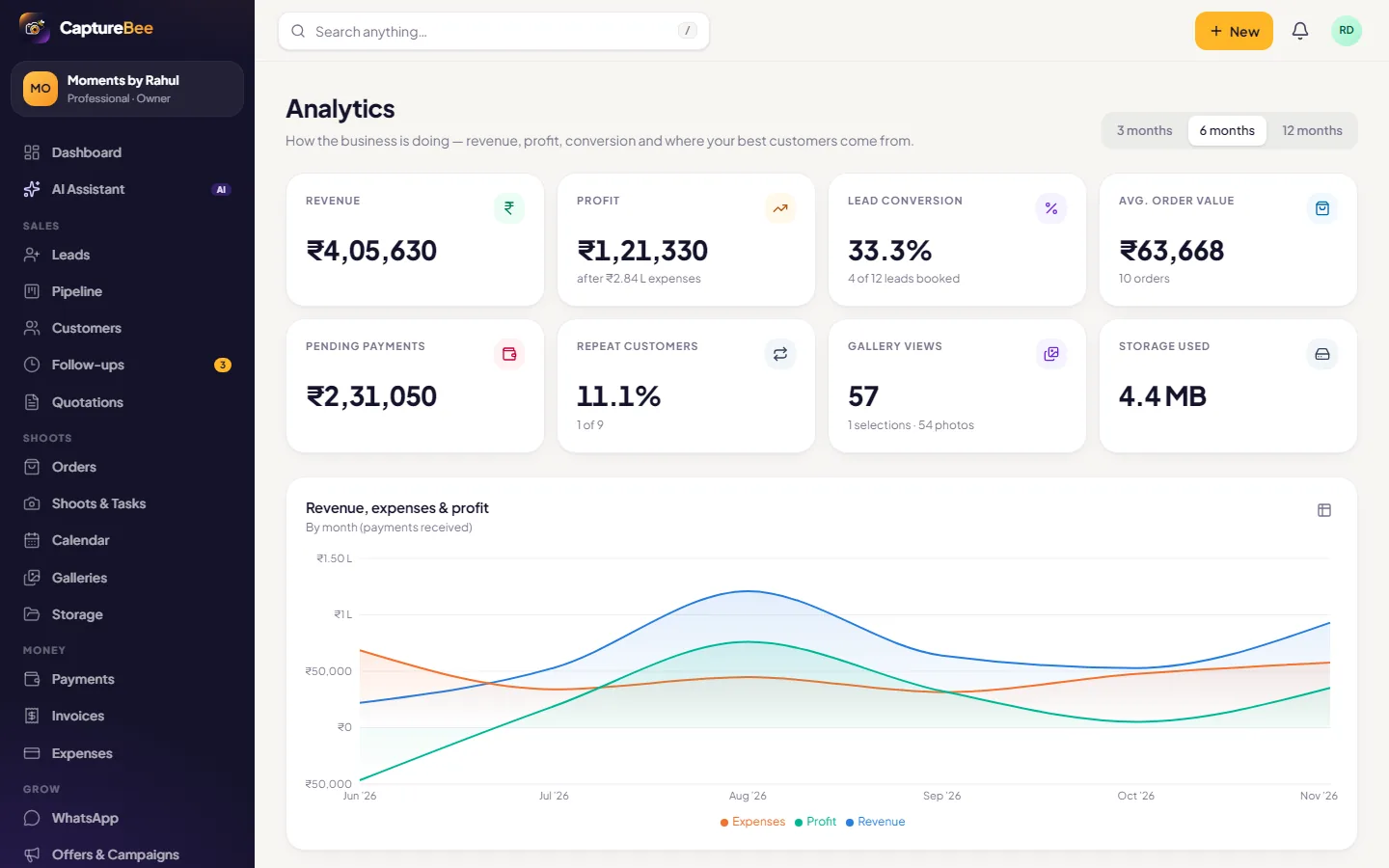
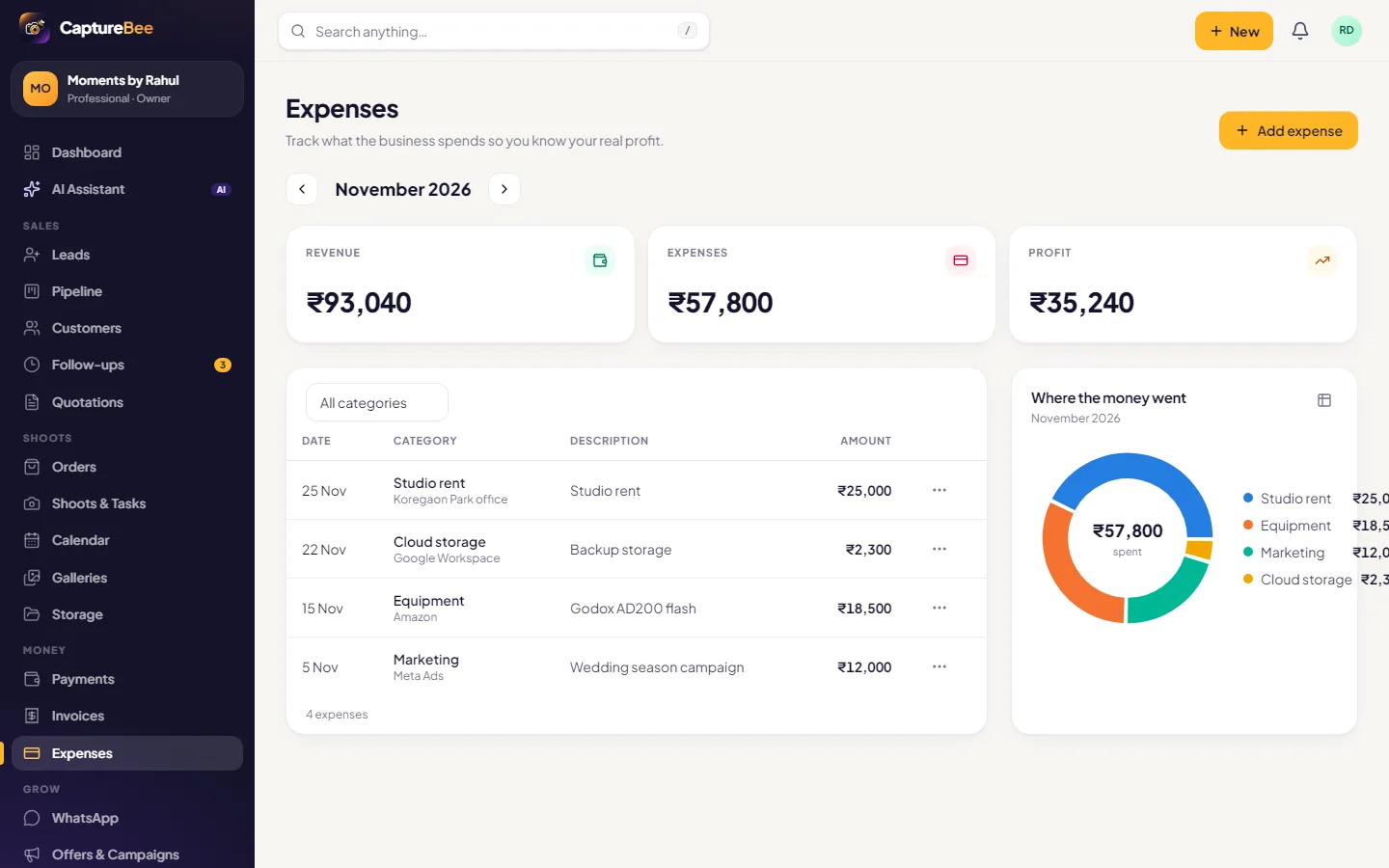
Record expenses by category — equipment, travel, freelancers, printing, albums, marketing, studio rent, software, cloud storage — and link them to an order when they belong to one. Revenue minus expenses gives you your real profit for the month, and analytics shows the trend.
Frequently asked questions
Does CaptureBee collect payments from my clients?
Clients pay you directly by UPI or bank transfer using the details on your quotation or invoice, and report the payment so you can confirm it. An online payment gateway for clients is coming soon.
Can I split CGST and SGST?
CaptureBee applies one GST rate (for example 18%) to quotations and invoices and prints your GSTIN. Check with your accountant for anything your filing needs beyond that.
Can my accountant work in CaptureBee?
Yes. The Accountant role sees payments, invoices, expenses and reports without access to galleries or settings. See team roles.
Can I export reports?
Plans with report exports can download CSV reports for accounting. See pricing.