Ask at the right moment
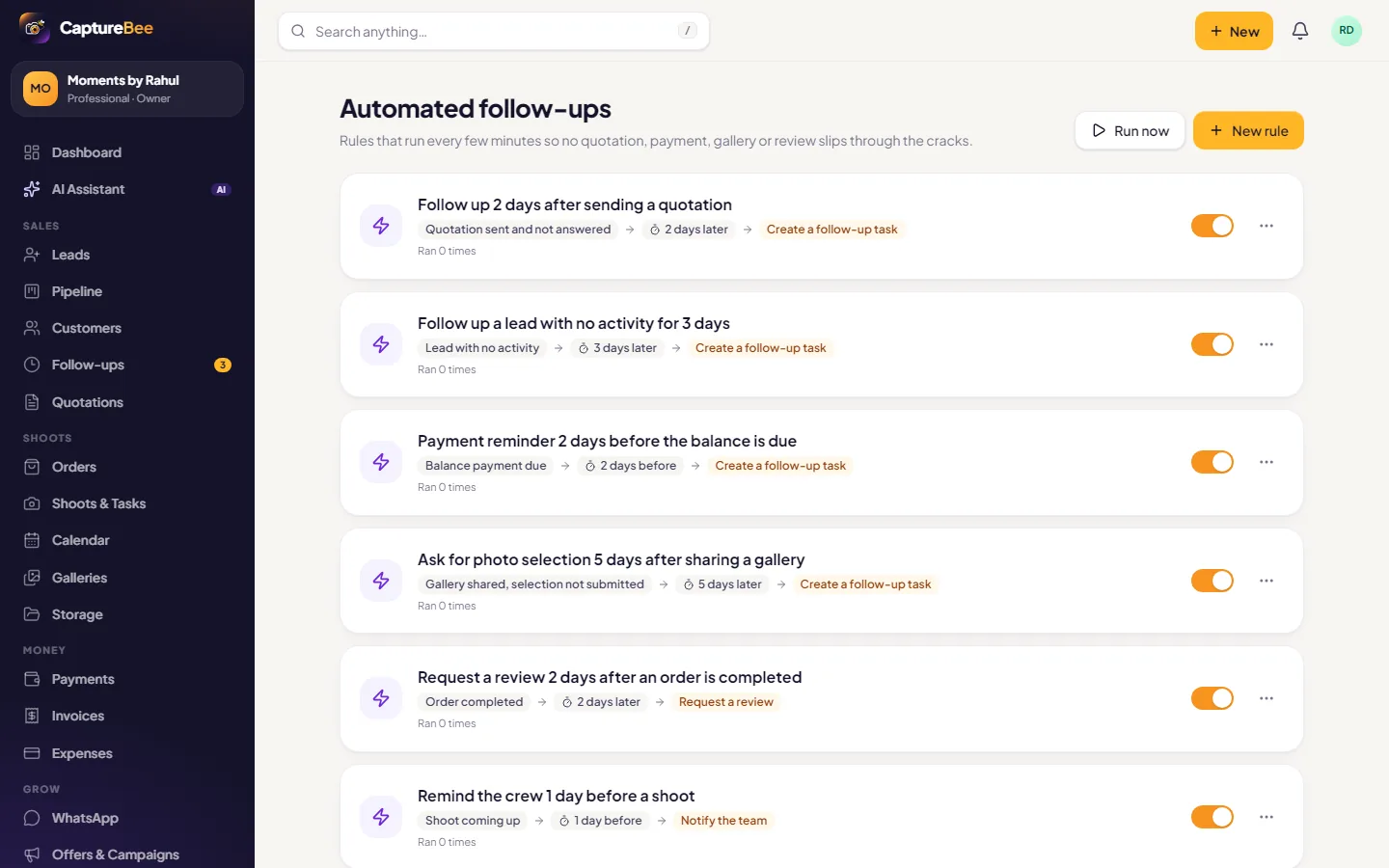
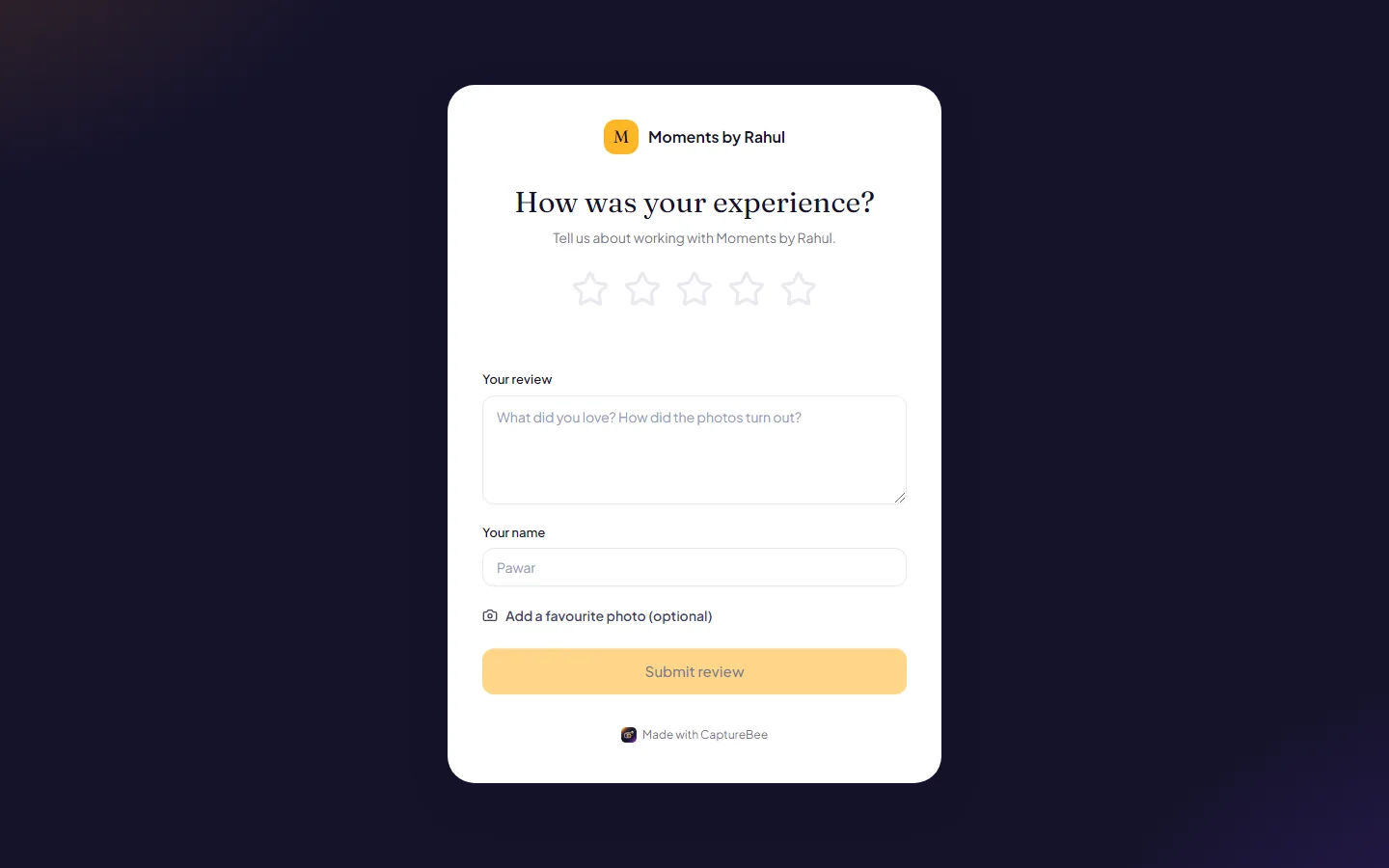
The best time to ask for a review is right after the client has their photos. CaptureBee's default automation requests a review two days after an order is completed, and you can also request one from any order. The client gets a simple page: stars, a few words, their name and an optional favourite photo.
Publish the best
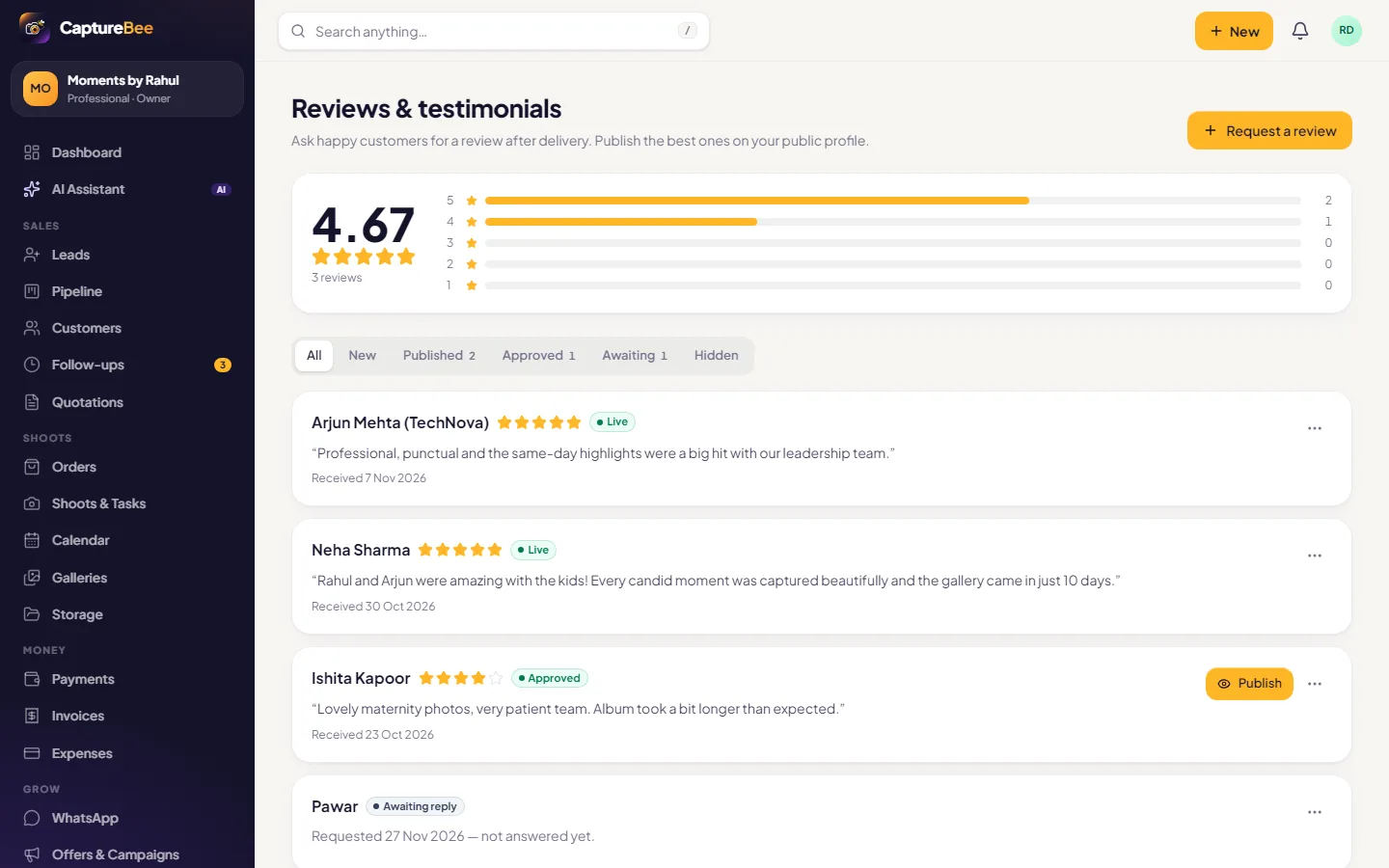
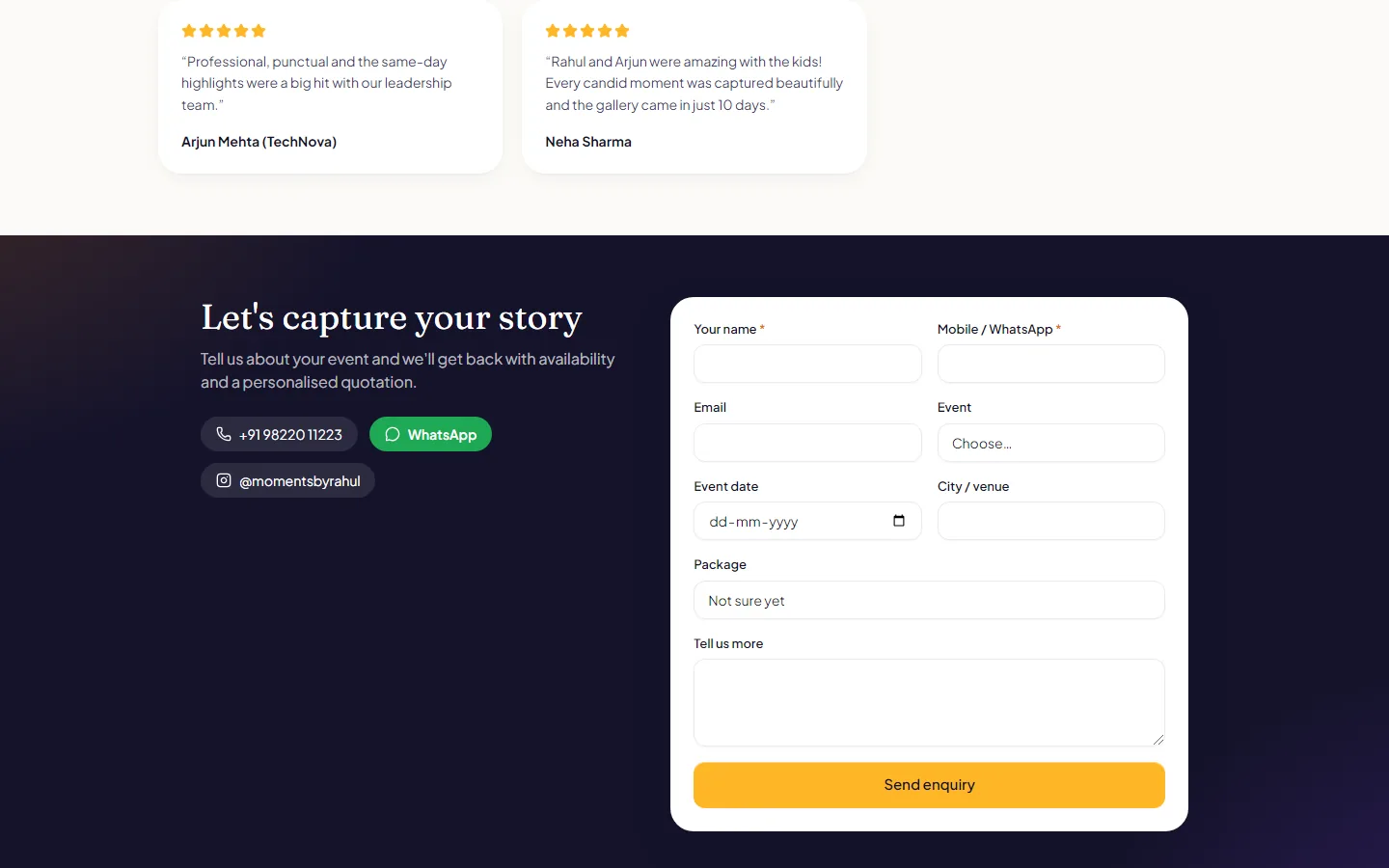
New reviews arrive in Reviews & testimonials with your average rating and the spread of stars. Approve, publish, hide or reply to each one. Published reviews appear on your public profile.
Your public profile
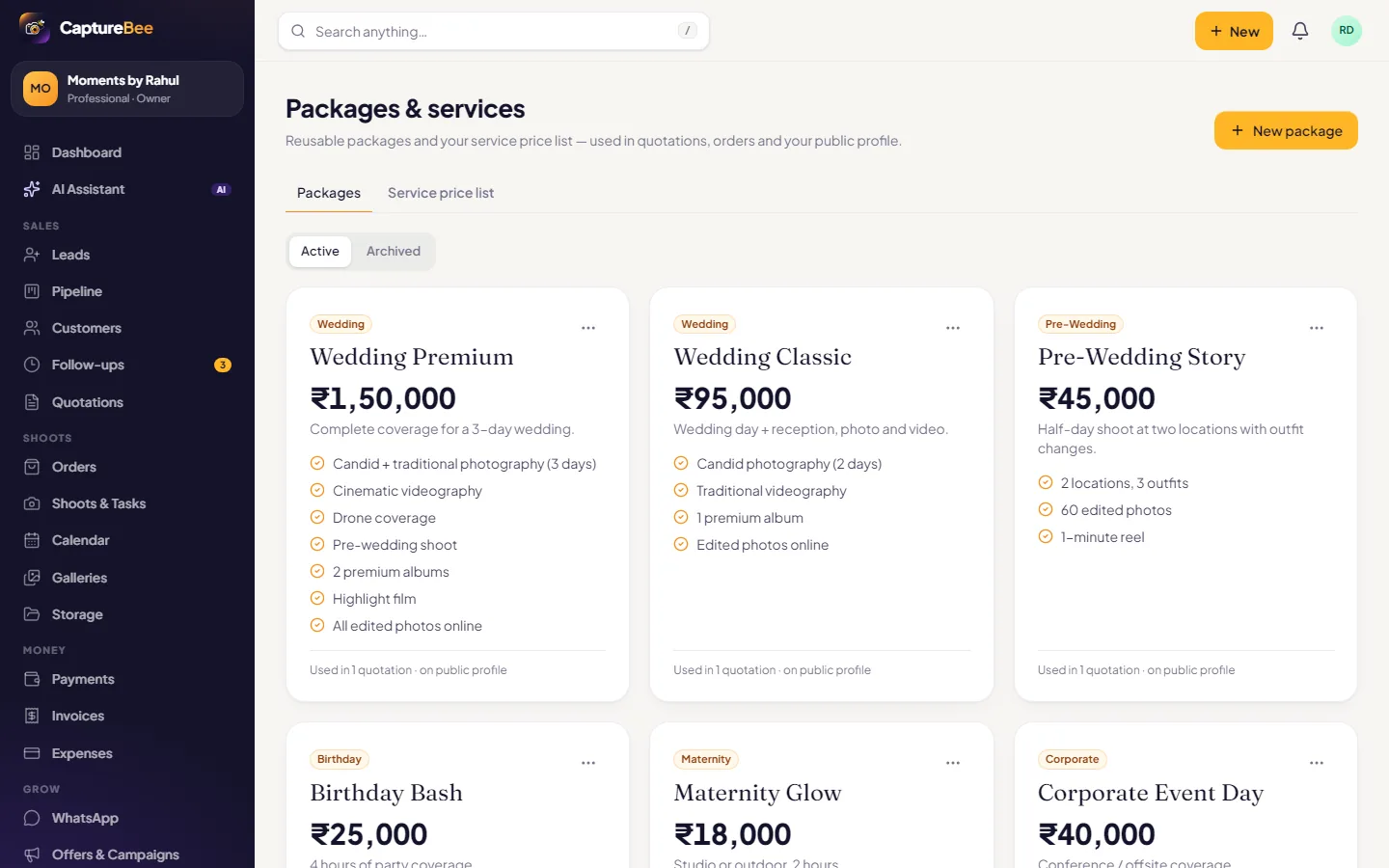
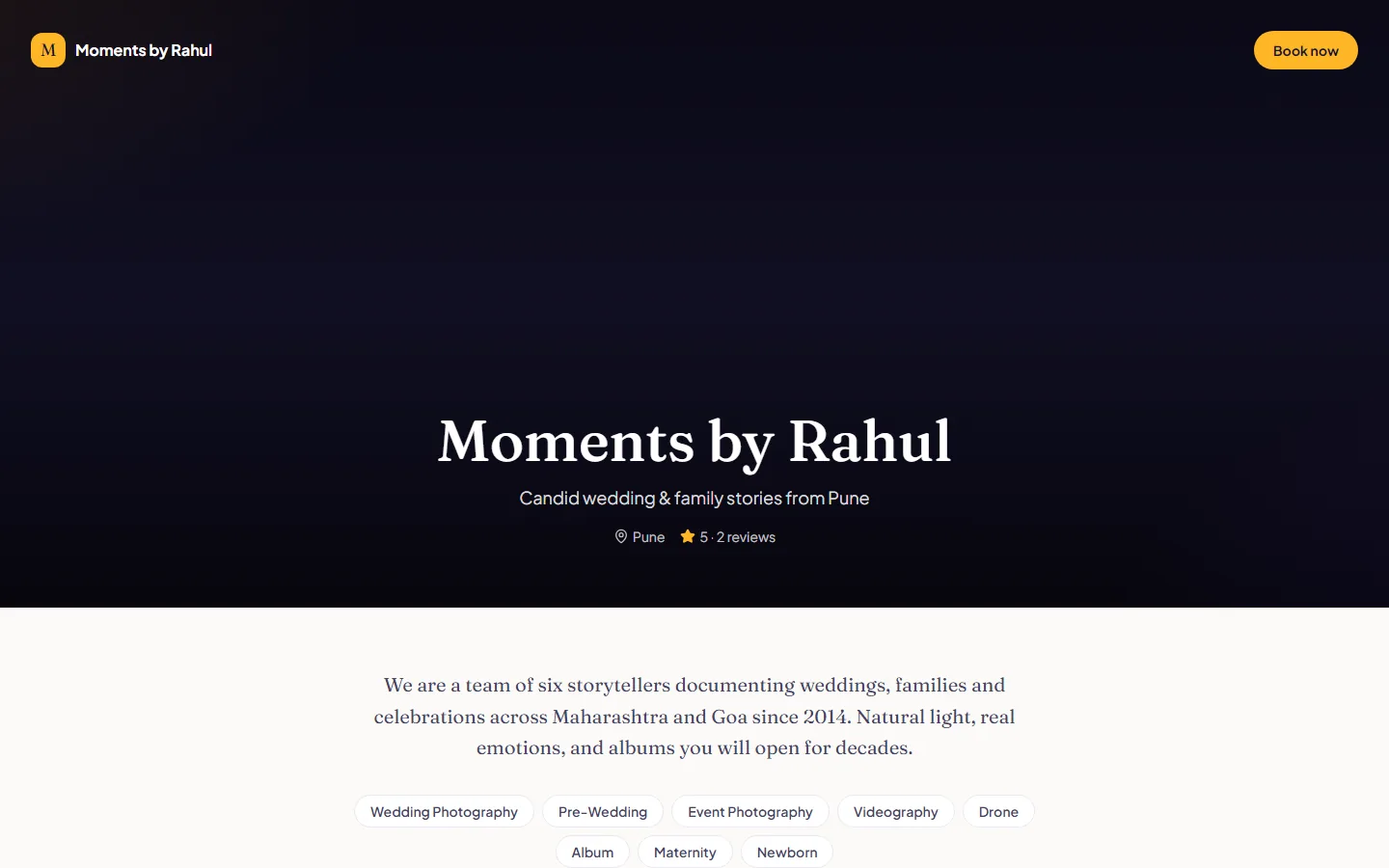
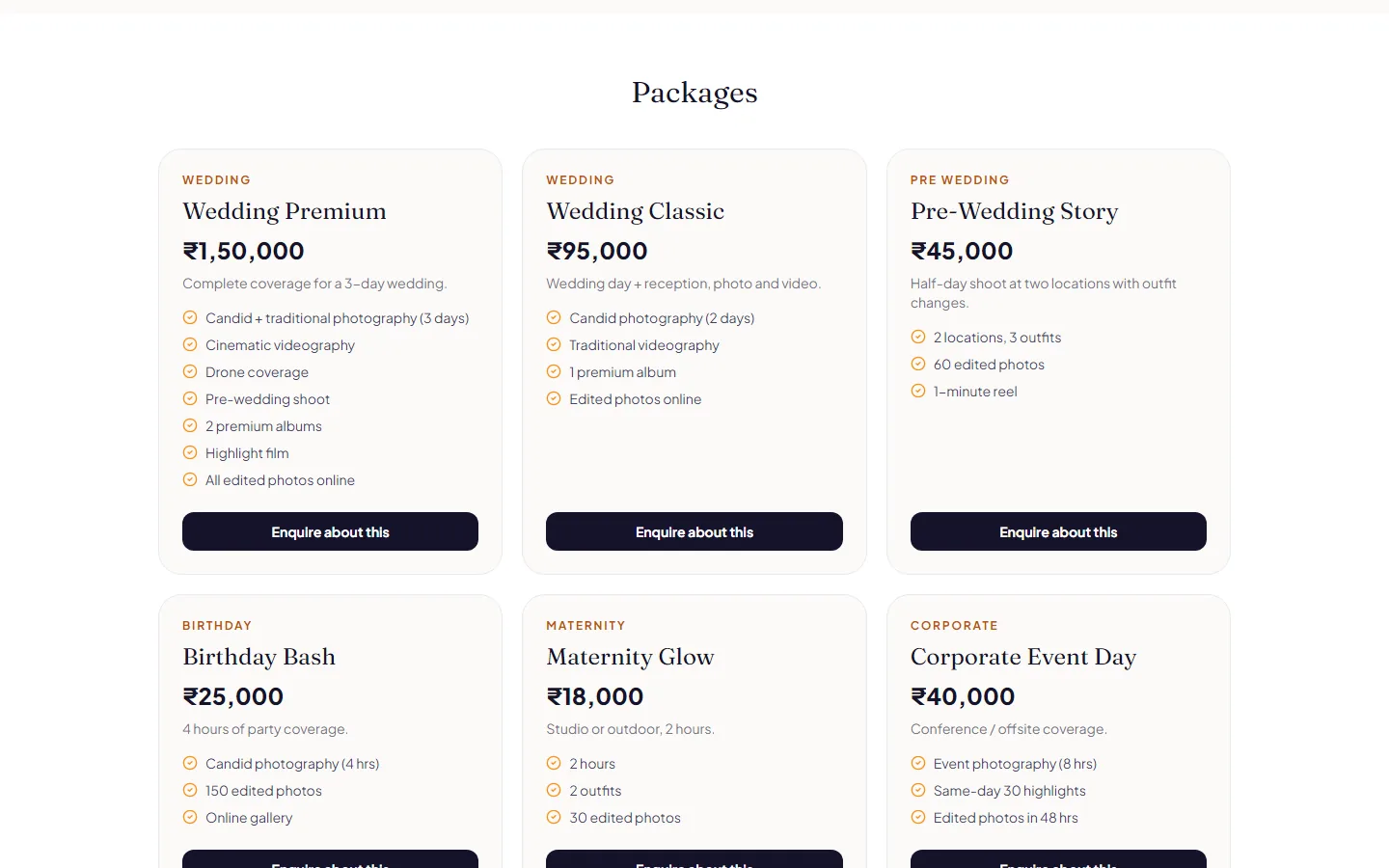
Your profile at your own link shows your cover, tagline, story, services, packages (with or without prices), published reviews and your contact buttons. Every enquiry from the form arrives as a lead with the source Profile, so nothing gets lost.
Frequently asked questions
Can I collect Google reviews?
CaptureBee collects reviews on its own review page and publishes them on your profile. If you also want Google reviews, add your Google review link to the review request template.
Can I hide prices on my profile?
Yes. Switch off "Show package prices" in Settings → Public profile.
Is online booking with payment available on the profile?
Enquiries come in as leads today. Online booking with an advance payment is coming soon.