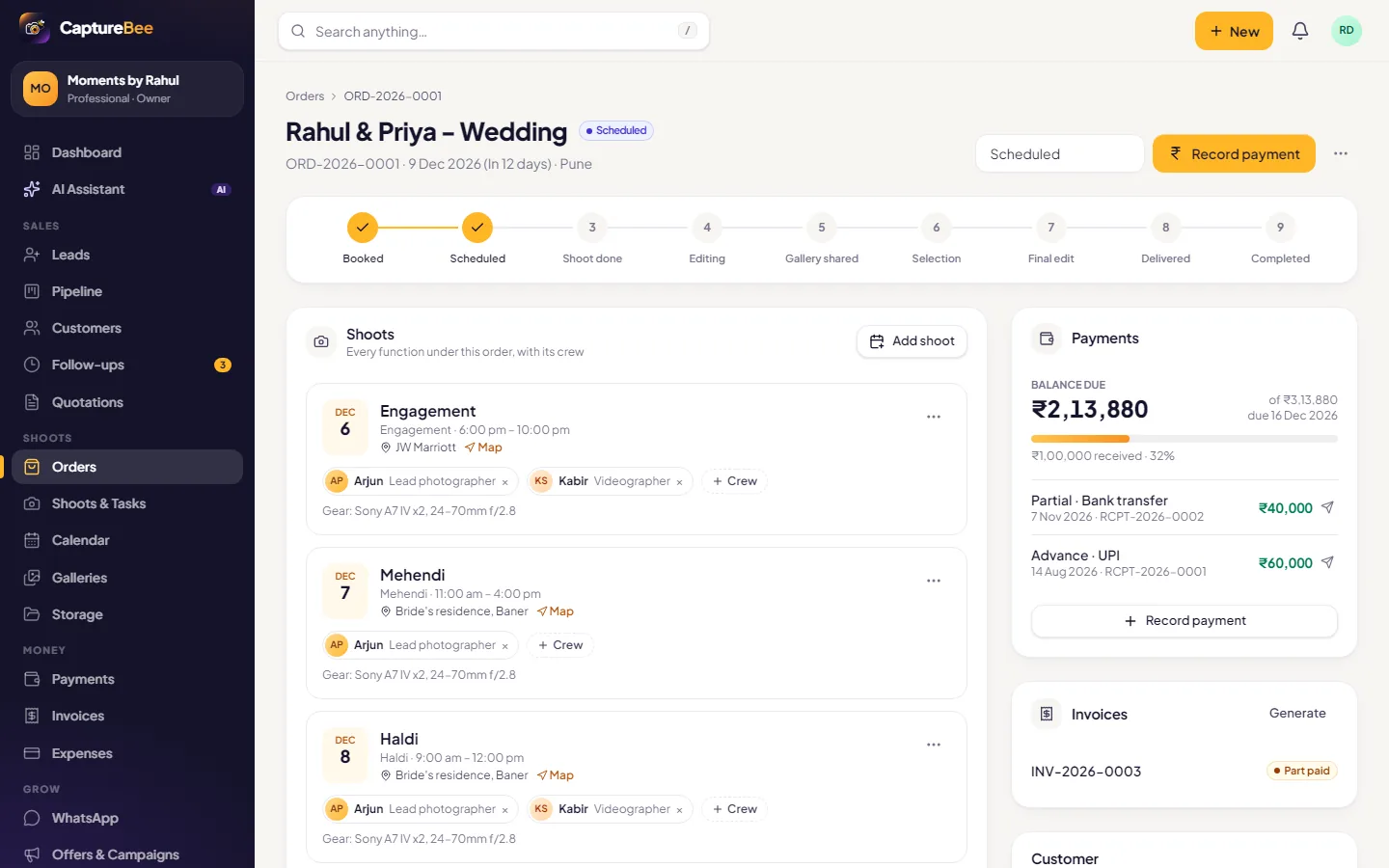
Invite your team
Invite people by email. Each person gets their own login, so you always know who did what, and you can remove access the day someone leaves.
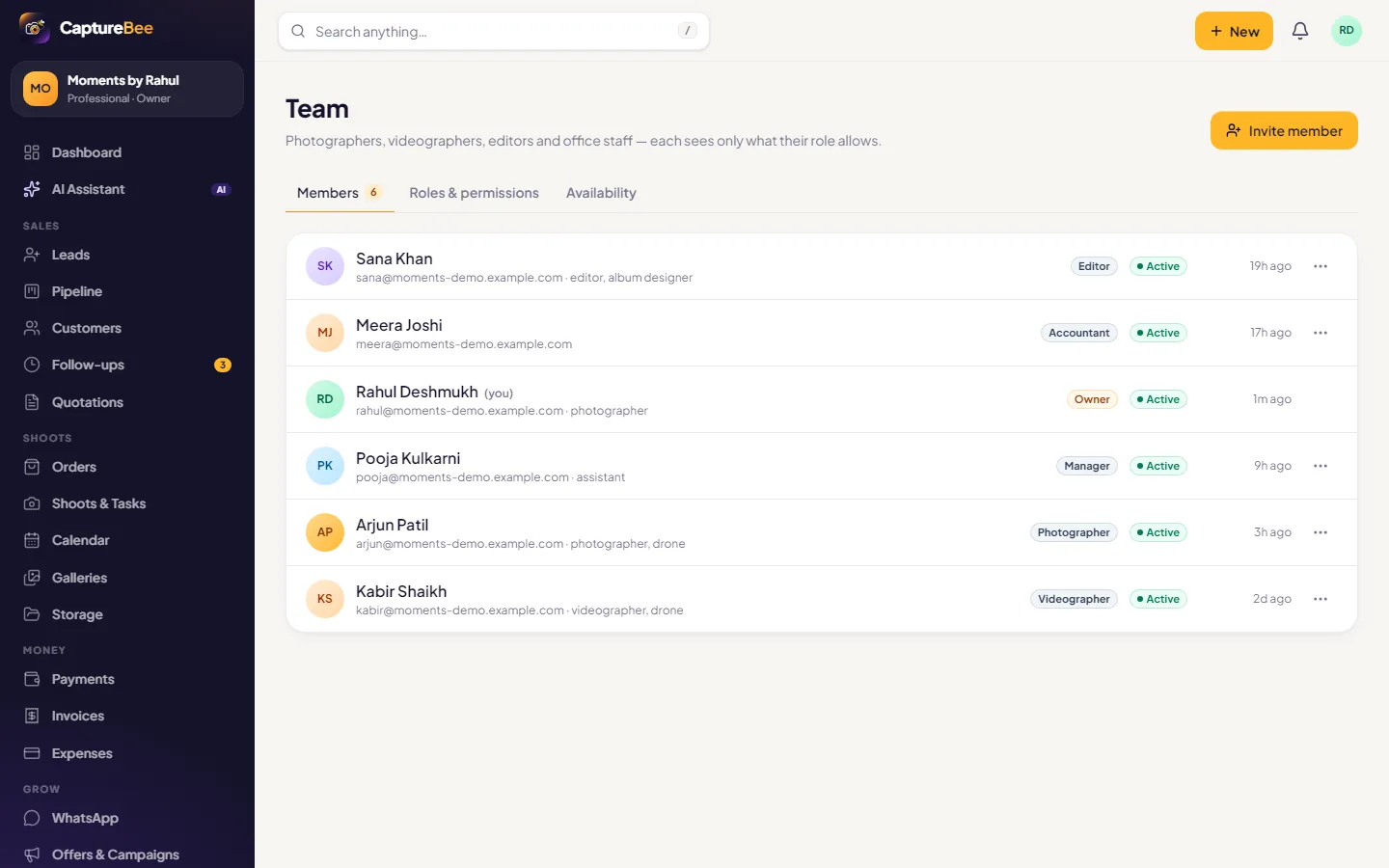
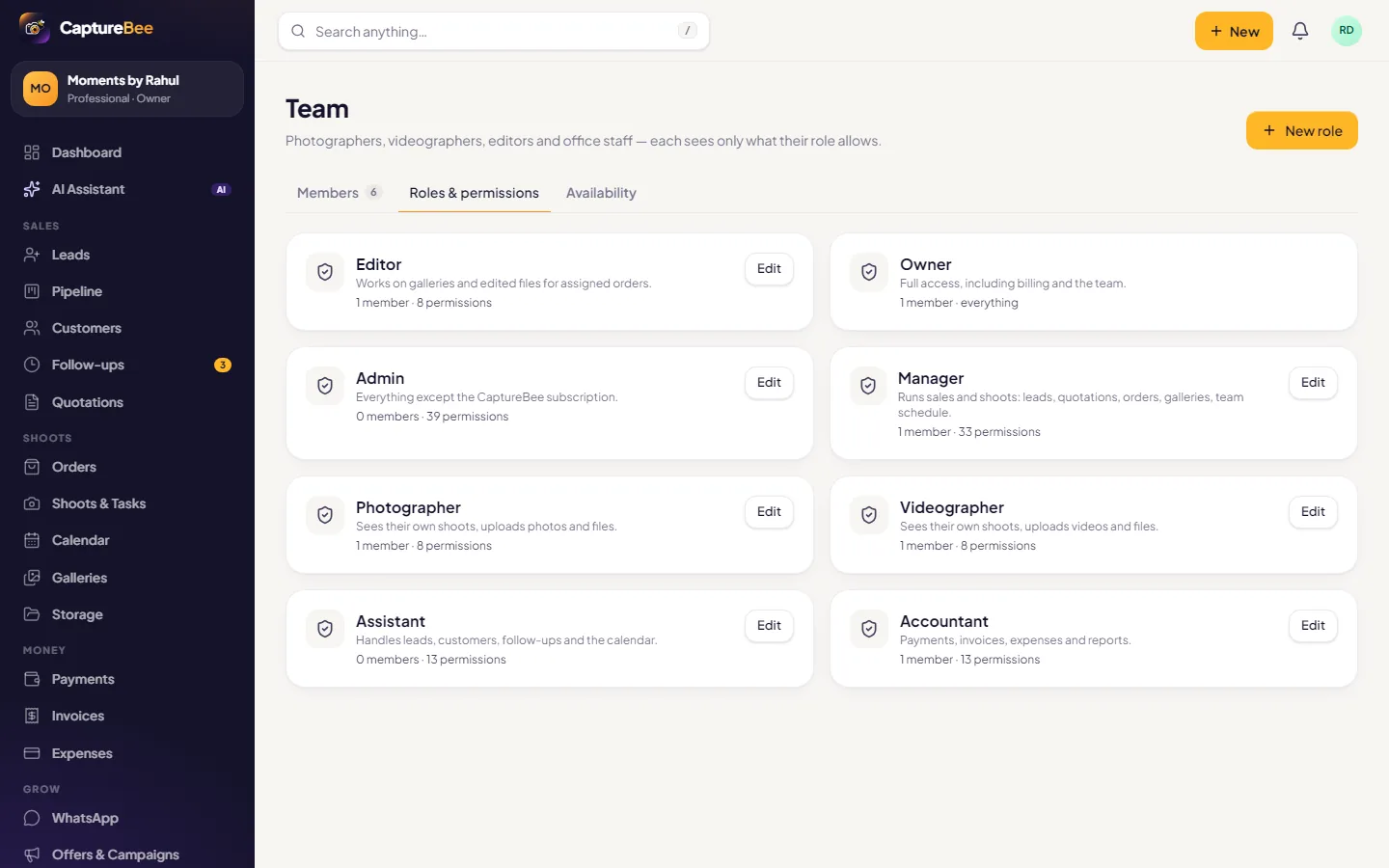
Roles that match a photography studio
CaptureBee comes with eight roles:
| Role | What they can do |
|---|---|
| Owner | Everything, including billing and the team |
| Admin | Everything except the CaptureBee subscription |
| Manager | Leads, quotations, orders, shoots, galleries and the team schedule |
| Photographer | Their own shoots; upload photos and files |
| Videographer | Their own shoots; upload videos and files |
| Editor | Galleries and edited files for assigned orders |
| Assistant | Leads, customers, follow-ups and the calendar |
| Accountant | Payments, invoices, expenses and reports |
Need something different? Create a role and tick exactly the permissions it should have — from "see leads assigned to them" to "record payments and refunds".
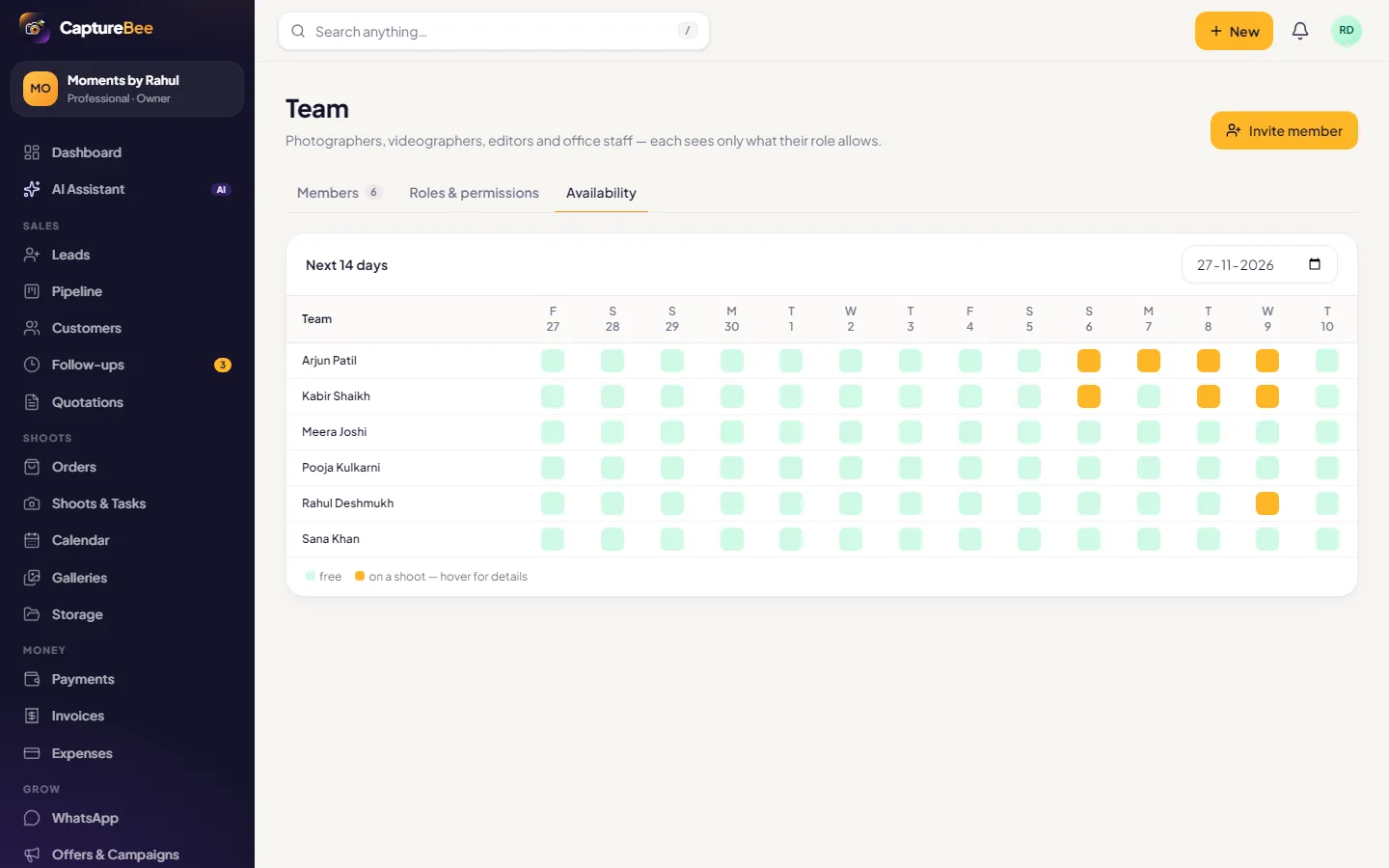
Availability at a glance
The availability grid shows the next 14 days for everyone on the team, so you can see who's free before you commit to a date — and spread work fairly.
An activity log
Important actions — payments recorded, quotations sent, roles changed — are kept in the activity log, so owners can see what happened and when.
Frequently asked questions
How many team members can I add?
It depends on your plan. See pricing.
Can a crew member see payments?
Not with the Photographer, Videographer or Editor roles. They see their own shoots and the galleries they work on.
Can I give a freelancer access to one order only?
Freelancers with a crew role see only the shoots they are assigned to and the related galleries.