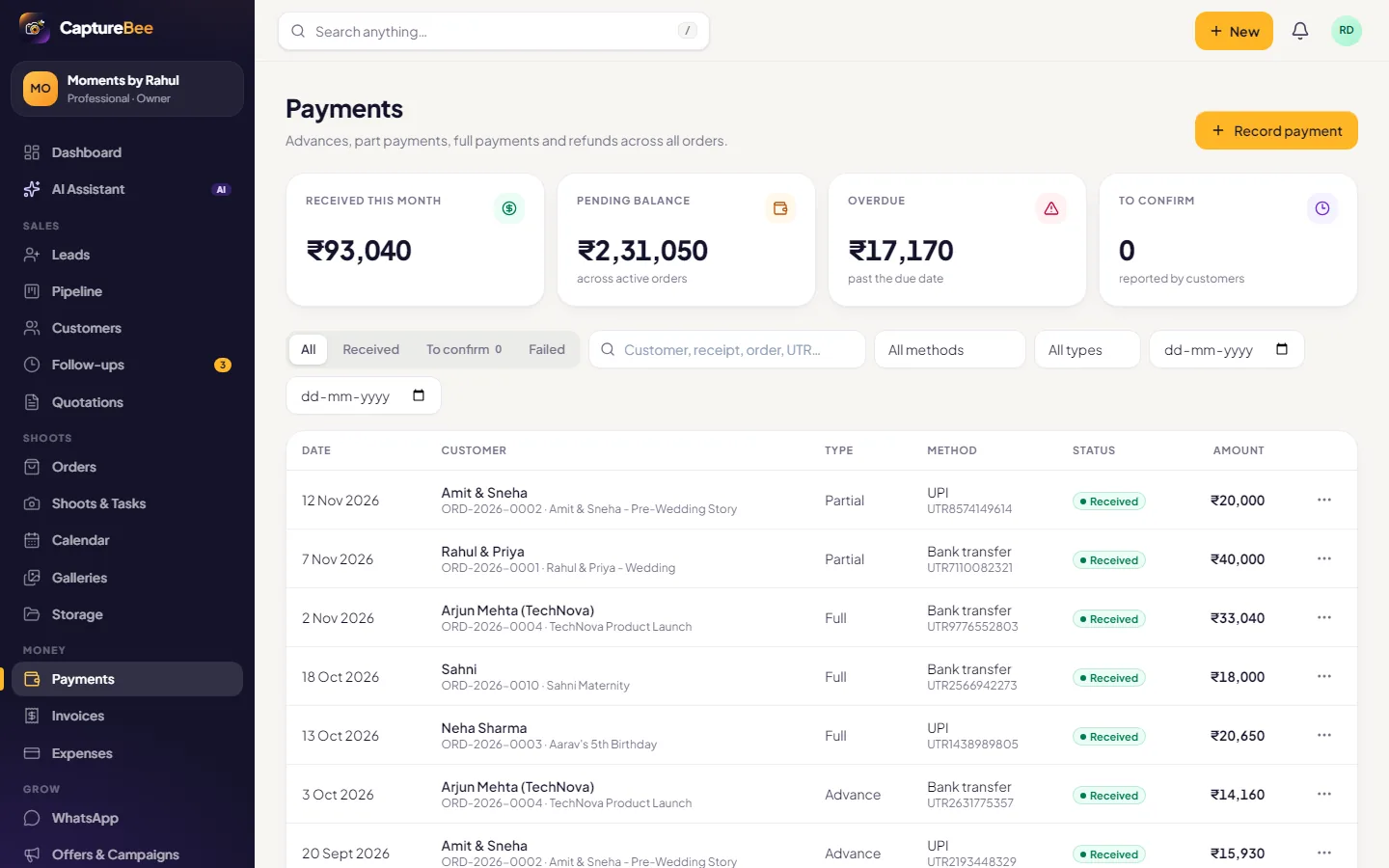
Packages and services, set up once
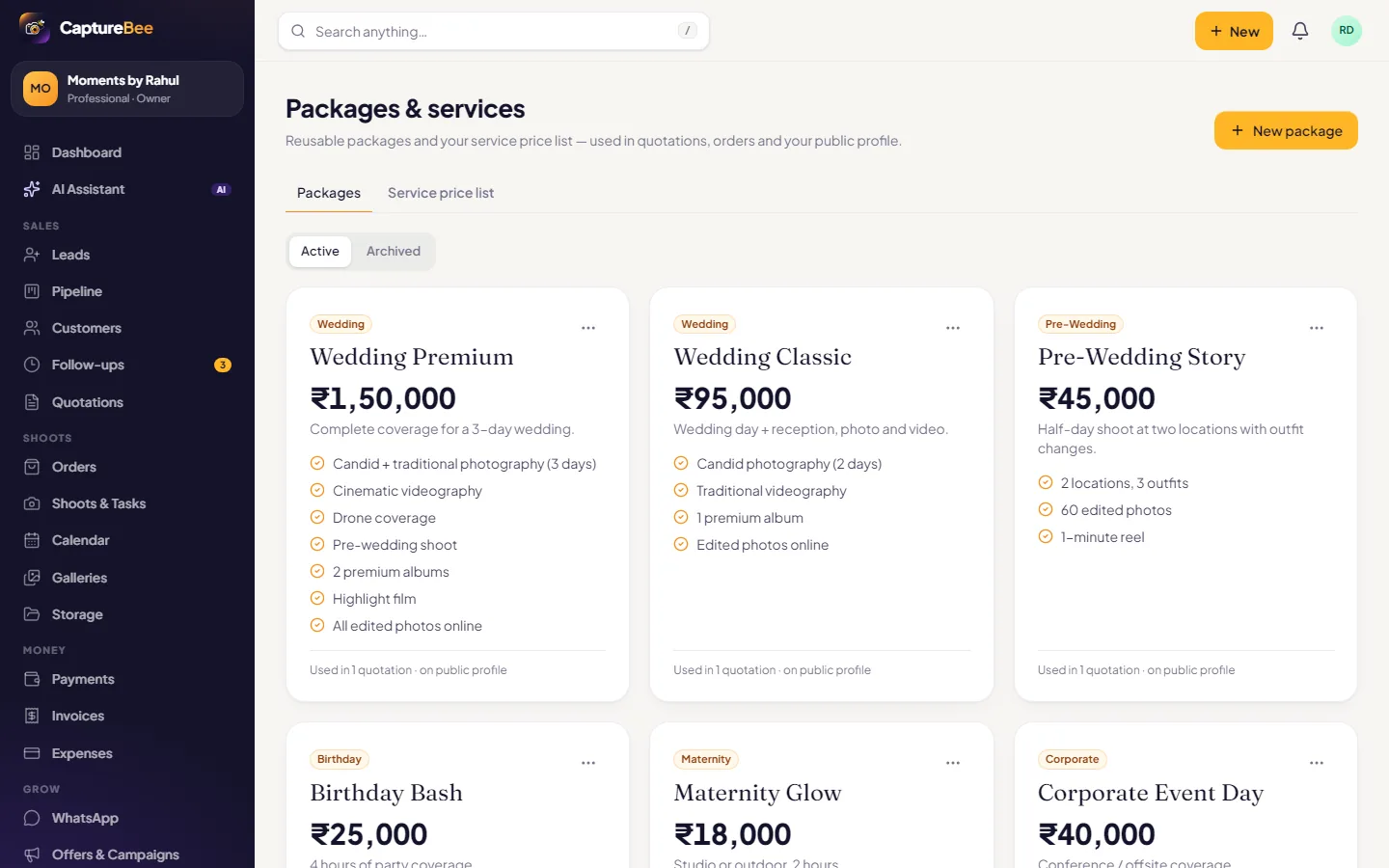
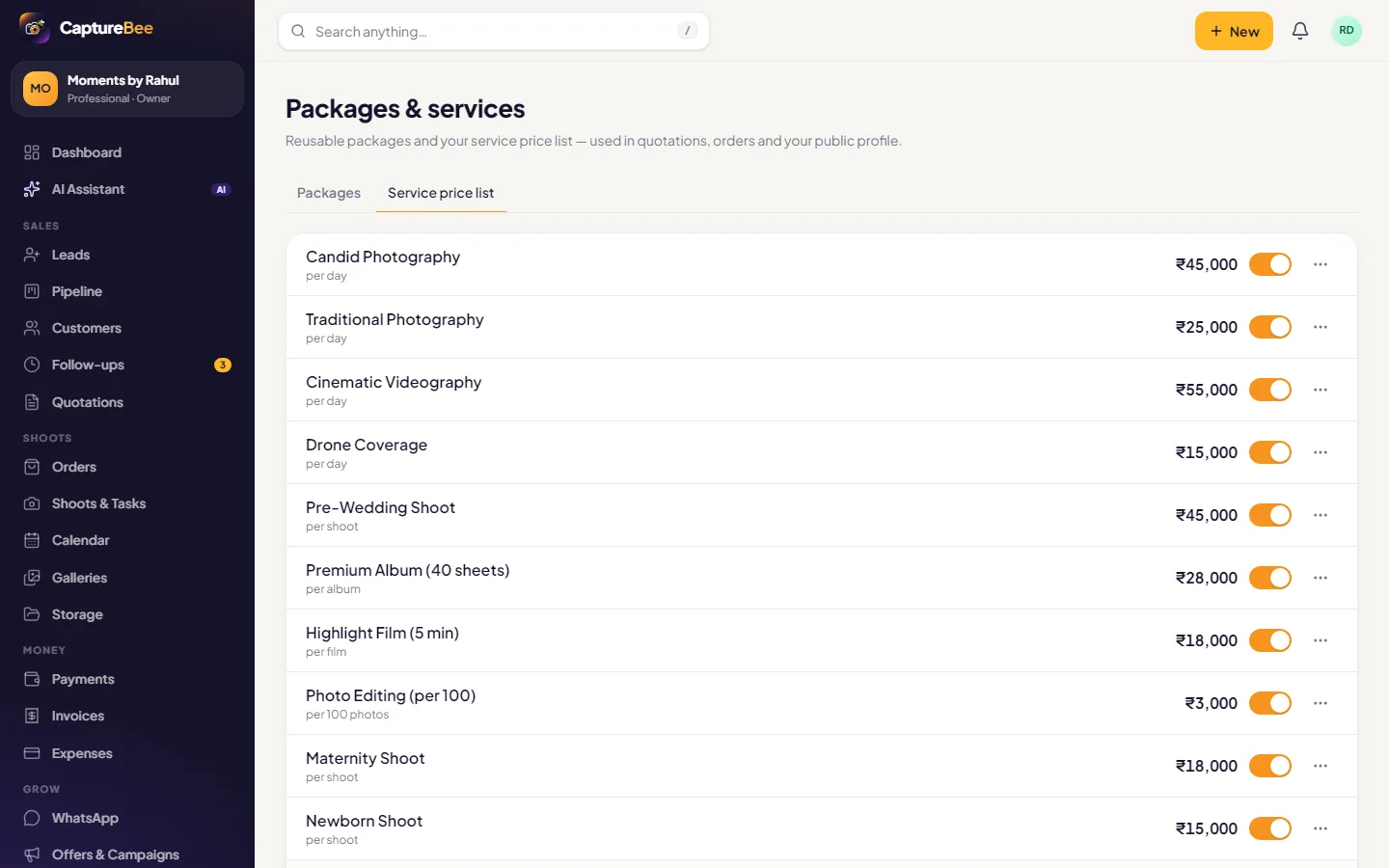
Create your packages (Wedding Premium, Pre-Wedding Story, Birthday Bash…) with what's included, deliverables and a price, and keep a service price list of individual items such as candid photography per day, cinematic videography, drone coverage or a 40-sheet album. Packages appear on quotations, orders and — if you choose — on your public profile.
A quotation in a minute
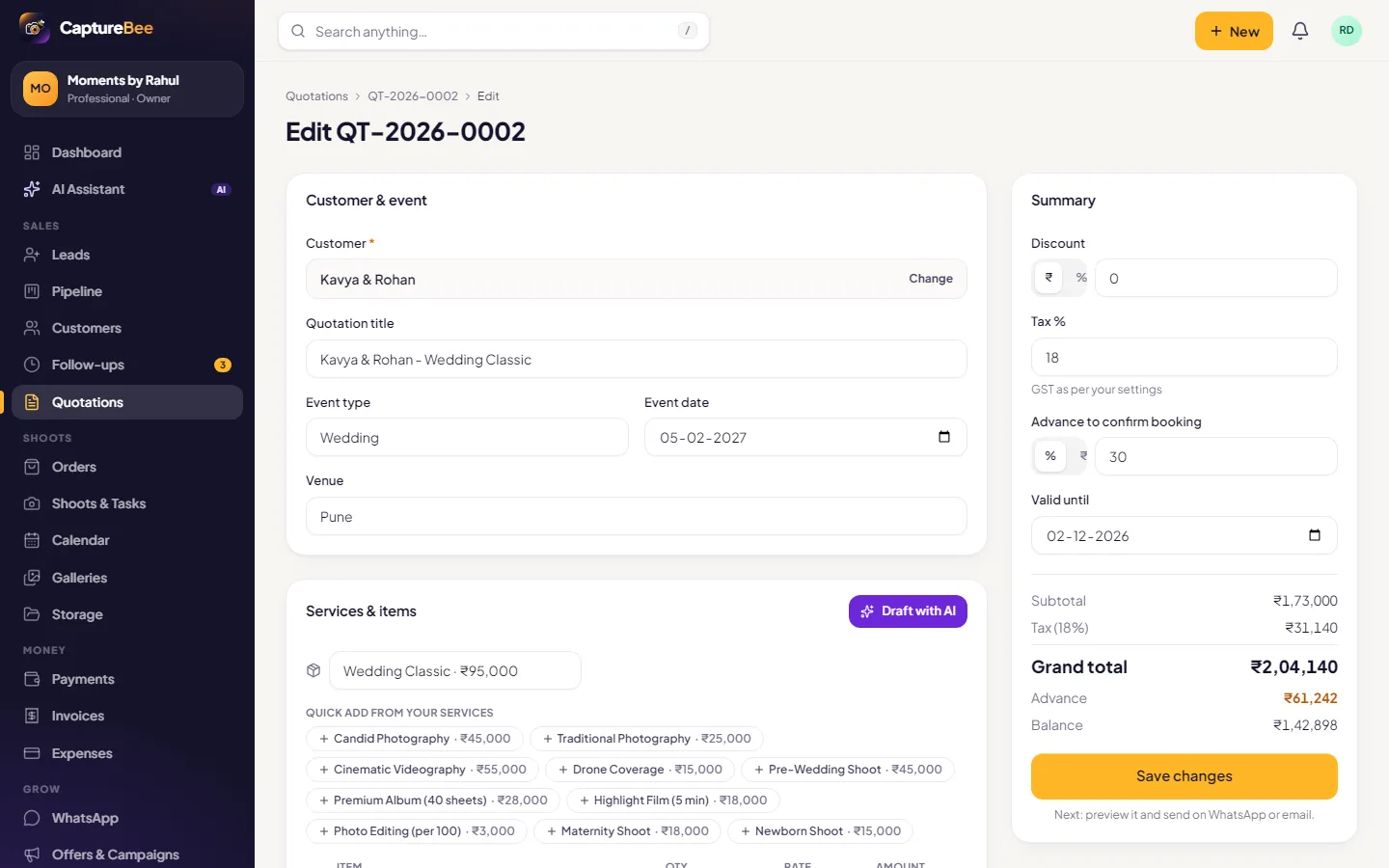
Start from a lead, pick a package or quick-add services, adjust quantities and rates, and add custom items. CaptureBee works out the subtotal, discount (₹ or %), GST, total, advance to confirm the booking and the balance. Validity, terms and your UPI and bank details come from your settings, so every quotation is consistent.
Online acceptance
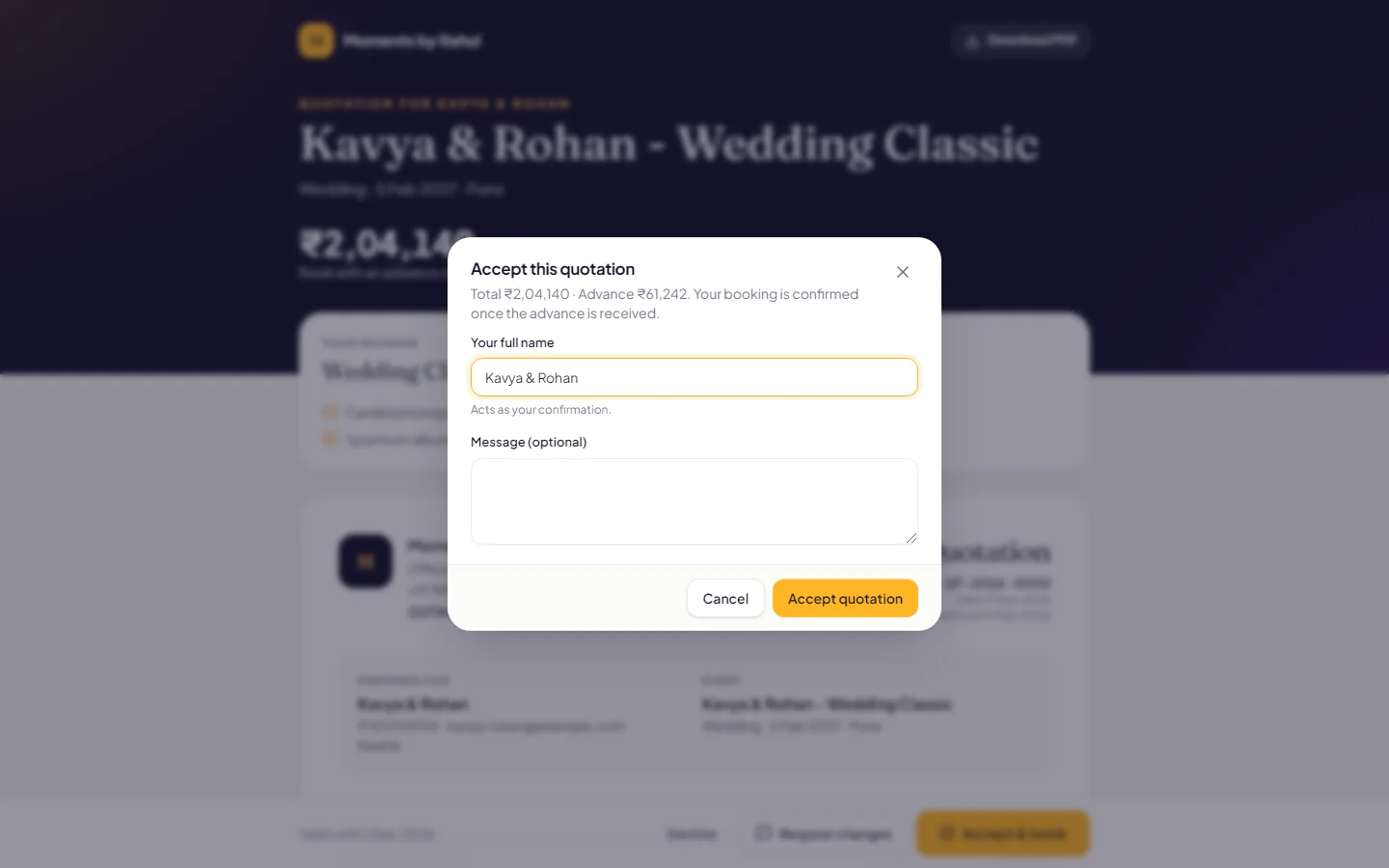
Share the quotation on WhatsApp or email. Your client opens a clean, mobile-friendly page with your logo, the package, the items and totals, and three choices: Accept & book, Request changes or Decline. You see when they viewed it and how many times.
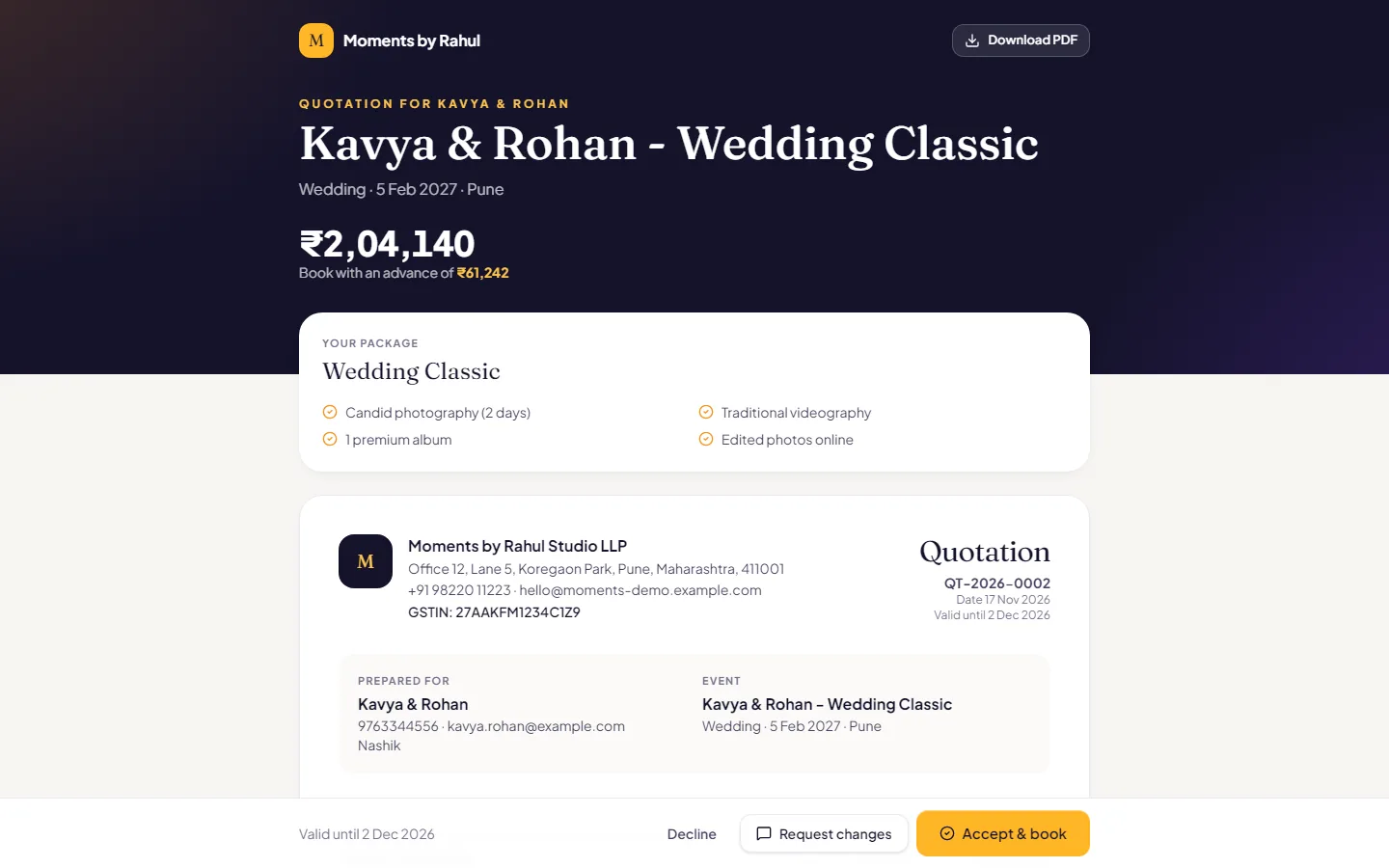
When the client accepts, CaptureBee records their name as confirmation, creates the order, moves the lead to Booked and notifies you. If they ask for changes, their note lands on the quotation so you can revise and resend.
Every quotation, tracked
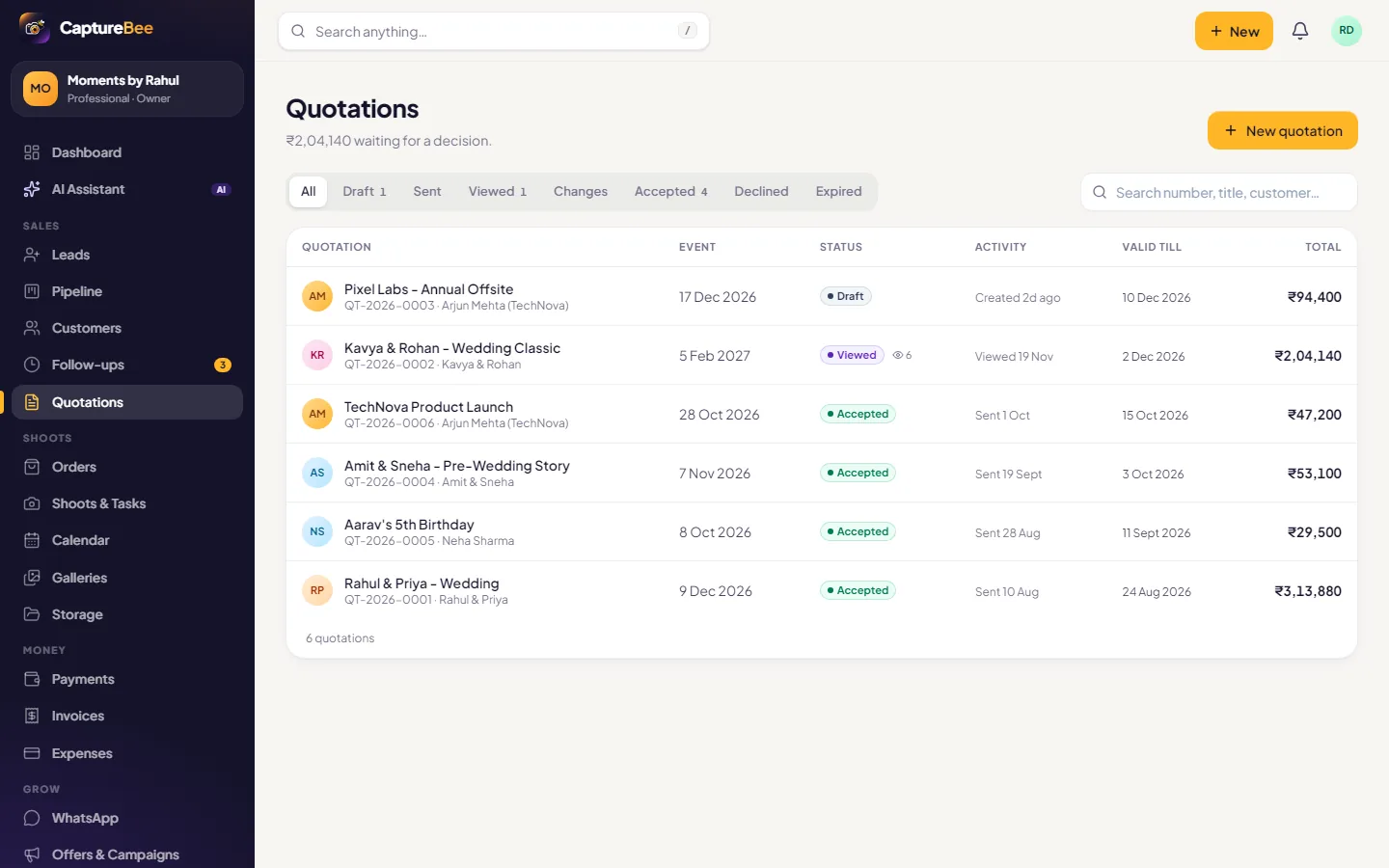
The quotations list shows what is waiting for a decision, what was viewed and what expired, with the total value pending at the top. Duplicate a quotation for a similar event, or let an automation remind you when a quotation has gone unanswered for two days.
Frequently asked questions
Can clients download the quotation as a PDF?
Yes. The online quotation has a Download PDF button, and you can download it from the app too.
Can I show GST on quotations?
Yes. Turn on GST in Settings, add your GSTIN and rate, and quotations and invoices show the tax line and print your GSTIN. Read more in our guide to GST-ready invoices.
Can a client pay the advance from the quotation?
The quotation shows your UPI ID with a QR code and bank details. After paying, the client can tell you with the amount and UTR, and you confirm it in one tap. An online payment gateway for clients is coming soon.
Can the AI write a quotation for me?
The quotation drafter turns a short description ("2-day wedding in Pune, candid + video + drone") into a draft using your own services and packages. You review it before anything is sent.